
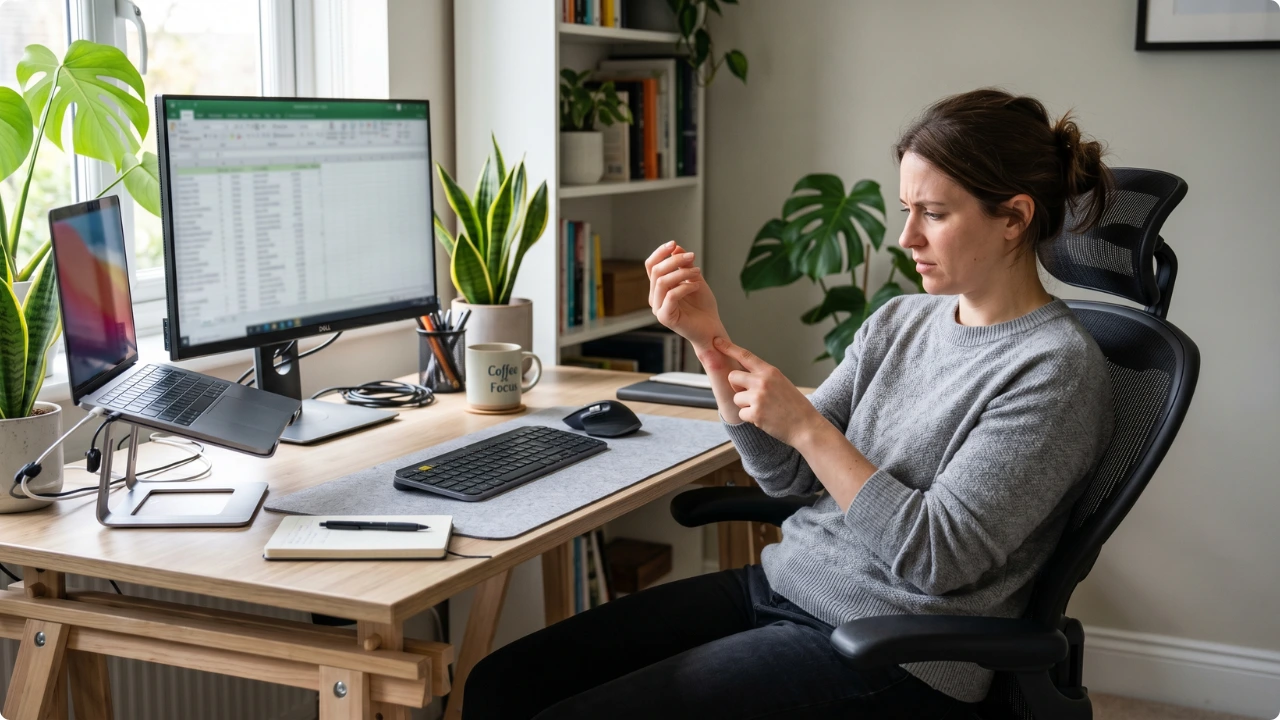
Stirring a cup of tea. Scrolling your phone. Pressing the remote. Simple things — until your hand or wrist starts to ache. After long hours using a computer mouse, that discomfort can be a sign of mouse repetitive strain injury, and it doesn’t always switch off when the workday ends.
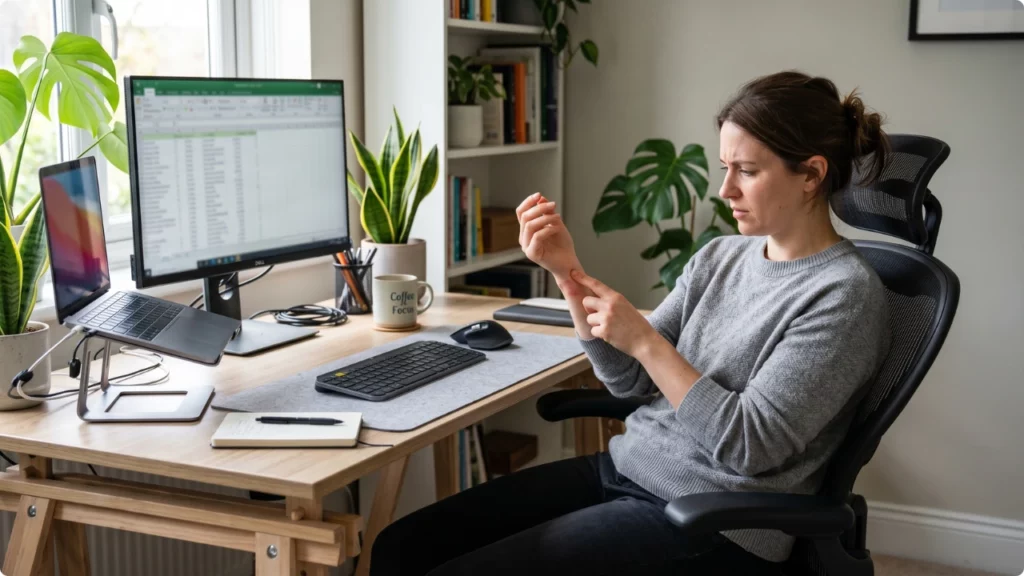
Common advice is to rest. When your work relies on hand, wrist and arm movement, that’s a sick day. Figures published by the HSE show that 7.1 million working days were lost to work-related musculoskeletal disorders.
Computer Mouse RSI — Causes, Prevention and Relief
Repetitive Strain Injury Defined
Repetitive strain injury is an umbrella term for musculoskeletal conditions affecting the upper limbs — the neck, shoulders, arms, elbows, wrists, hands, and fingers. You may also see it called an upper limb disorder (ULD).
Computer workers sometimes use more specific descriptions like mouse arm syndrome, mouse shoulder, or mouse arm — terms that circulate in forums among people describing the same cluster of symptoms from the same source.
The comparison to tennis elbow isn’t far off either. Both involve inflammation of tendons under repeated load. The difference is that tennis players can rest between matches. Computer workers — particularly those now working from home — often can’t.
RSI doesn’t develop from a single event. It builds from micro-strain accumulated over time: the same tendons, the same grip, the same reach pattern, repeated across hours and months until the tissue stops recovering between sessions.
Why Remote or Hybrid Working Increases the Risk of RSI
Many people who work at a computer all day without issue in an office start developing symptoms once they move to a home setup, which often lack proper ergonomics.
A workplace desk is usually set up with at least some ergonomic consideration — chair height, screen distance, keyboard and mouse placement at a usable level. A home setup is often improvised: a laptop on a kitchen table, a standard dining chair, a mouse positioned wherever it fits rather than where it should be.
The mouse ends up too far from the keyboard. The arm extends to reach it. The shoulder opens out, and over hours of use, that extended position strains the shoulder and neck. The desk surface might be too high, putting the wrist into a bent position for the entire session. The chair may have no arm rests to provide support for the forearm, so the full weight of the arm is transferred through the wrist.
None of this feels dramatic in a single session. Accumulated over months, in a setup that was never designed for full-time computer use, it becomes the reason your fingers stiffen when gripping anything.
RSI Causes Go Beyond the Computer, Mouse, and Workstation
One detail worth understanding about RSI: it isn’t always purely work-related, even when work is when you first made the connection between the desk work and RSI.
The same tendons and muscles that operate the mouse also feature in hobbies — playing guitar, crocheting, sewing, cooking, any hand-intensive activity. If your working hours are already placing a consistent load on those structures, the evening hobby that used to be fine becomes the thing that tips it over.
This matters for how you think about relief. It’s not simply about resting — which, as established, isn’t always possible — but about reducing the cumulative load wherever you can. Less unnecessary movement at the desk means more capacity for everything else.
How RSI Develops at the Mouse
The mechanics are straightforward. Mousing involves a sustained grip on the mouse body, repeated lateral movement across the mat, and small precise adjustments using the fingers and wrist. Over a session, those movements are measured in thousands of small repetitions.
The tendons involved run from the fingers up through the wrist, forearm, elbow, and into the shoulder. Inflammation in any of those structures can produce symptoms that feel localised to a different area — when you experience wrist pain using a mouse that originates at the elbow, finger stiffness that traces back to forearm tightness.
When aching follows hours of computer use and eases (or at least doesn’t worsen) away from the desk, RSI is the likely explanation. Symptoms that persist regardless of activity, wake you at night, or involve numbness or tingling in the fingers may indicate a different condition — nerve involvement, carpal tunnel syndrome, or something unrelated to computer use — and are worth getting assessed properly.
Fatigue compounds the problem, contributing to shoulder pain from working at the computer. The more hours spent working at the computer, the more posture tends to deteriorate — shoulders round forward, the arm drops, the wrist compensates by bending.
The hunching and shoulder tension that creep in during long sessions add strain to the upper body even for people using ergonomic equipment throughout the day. What started as a well-positioned setup degrades over hours without deliberate correction.
How to Prevent Repetitive Strain Injuries from Computer Work
The most common causes of RSI for computer workers are prolonged, repetitive motions like typing and mouse use, poor ergonomics, and a lack of breaks. Addressing those is where to start.
Use a wrist support for the mouse
The primary function of a mouse pad with wrist support is keeping the wrist off the hard desk surface between mouse movements. Used correctly — with the heel of the palm contacting the rest, not the wrist itself — it maintains a more neutral hand position and reduces the surface pressure that accumulates over several hours.
The material the wrist rest is made with is best decided based on how often you’ll use it. Gel holds its structure under daily use and dissipates heat, which is relevant if your wrist runs warm due to inflammation. Foam cushions initially but compresses over time under sustained pressure — better suited to working for an hour or two at a time. For anyone at a mouse for most of the working day and already noticing symptoms, gel tends to hold up better long-term.
Typing technique
If you’re getting wrist pain from typing too much, learning proper touch typing can help keep the wrists and fingers elevated rather than resting on the desk surface — which incidentally reduces the load being placed on a wrist rest.
Pain in both wrists can point to the keyboard being the main issue. However, the mouse arm often feels it more because it’s used more actively during the day.
Mouse and keyboard placement
When the mouse is positioned too far from the keyboard, the arm extends outward and the shoulder bears the load. Keeping the mouse close — ideally on the same surface level as the keyboard with no gap between them — reduces the reaching motion that contributes to shoulder and upper arm pain. An extended desk mat that unifies the keyboard and mouse surface removes the placement guesswork entirely.
Laptop users benefit most from external devices (keyboard and mouse)
Laptop users benefit most from external devices (keyboard and mouse). That’s because they are designed for portability and durability, not long hours of comfortable use. After extended periods, it’s common to feel strain in the neck, shoulders, wrists, or hands.
A laptop stand helps by raising the screen to eye level, improving posture and reducing neck strain. But when the screen goes up, the built-in keyboard goes up with it — contributing to wrist pain from laptop use. It leaves your hands working too high for long sessions.
An external keyboard and mouse become essential. They let you keep your screen at the right height while your arms and wrists stay in a more natural, supported position — ideally with an ergonomic keyboard that better matches your typing technique.
Movement and breaks
Static posture maintained for long periods is a significant factor independent of how well-set-up the desk is. Short breaks — even a few minutes of movement per hour — give the tendons involved time to partially recover before the next sustained bout. This isn’t about elaborate stretching routines; getting up and moving is sufficient.
Easing the RSI Discomfort When Using the Mouse
If symptoms are already present, the approach shifts from prevention to management: reducing unnecessary tendon load while continuing to work.
Improve your mouse grip style — claw grip vs palm grip vs fingertip grip. Palm grip distributes load across the whole hand rather than concentrating it in the fingers, which can reduce fatigue during symptomatic periods.
Adjust the DPI/sensitivity settings — reducing pointer speed means larger physical movements to cover the same screen distance, which sounds counterintuitive but actually reduces the small, precise micro-adjustments that load the tendons most. Higher sensitivity does the opposite.
Taking the mouse hand off the mouse — this seems obvious, but many people rest their hand on the mouse even when not actively using it, maintaining grip tension throughout. Removing the hand between tasks can ease discomfort relatively quickly.
When you do take your hand off the mouse, it’s a good time to work in some wrist exercises and finger stretches that only take up to a couple of minutes. It’s the type of light exercises that can done at your desk. Perfect for moments when you don’t need to be holding the mouse.
For anyone whose symptoms have progressed to the point where a standard mouse is contributing to the problem rather than just failing to help, switching the mouse itself is worth considering.
Vertical mice keep the wrist in a handshake position to eliminate forearm rotation. Trackball mice remove arm movement almost entirely — the hand stays still while the thumb or fingers control the cursor. Silent ergonomic mice sit between the two in terms of adjustment, shaped to reduce click force and finger fatigue without the more radical posture change.