
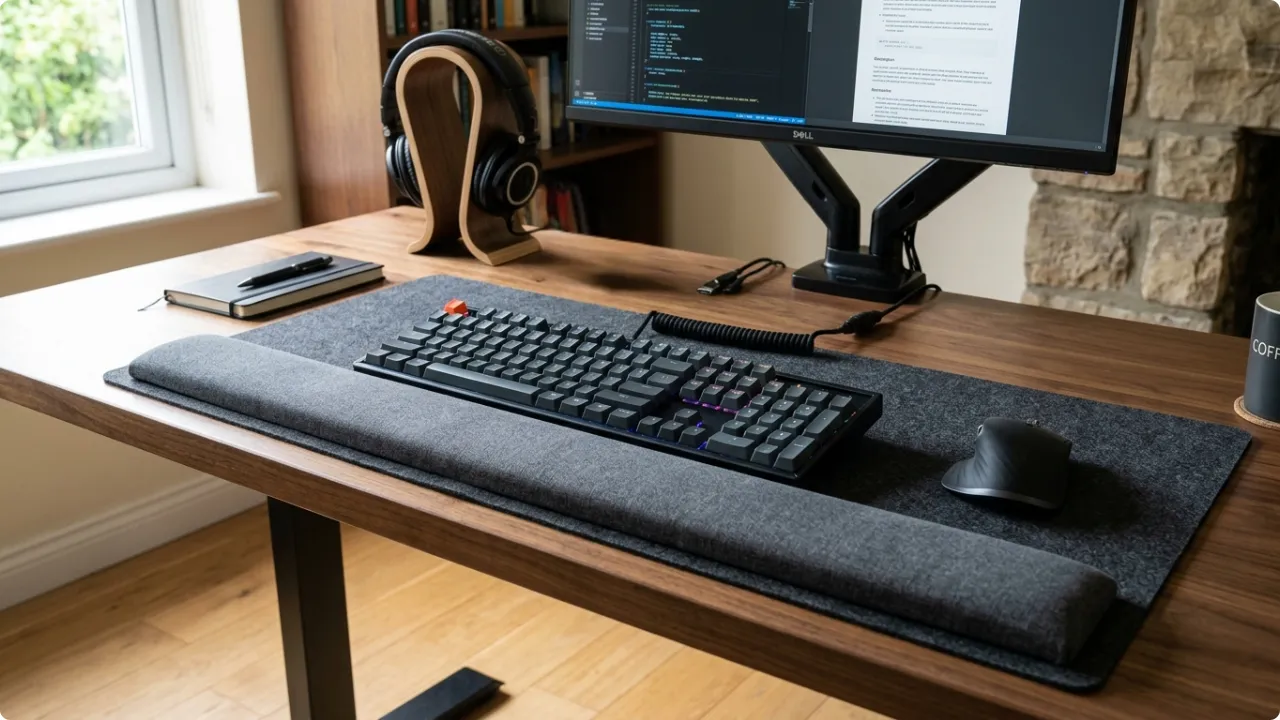
A padded rest to support your wrist at the desk should be one of the more straightforward ergonomic desk accessories. Without knowing how to use computer wrist rests properly though, it could do more harm than good.
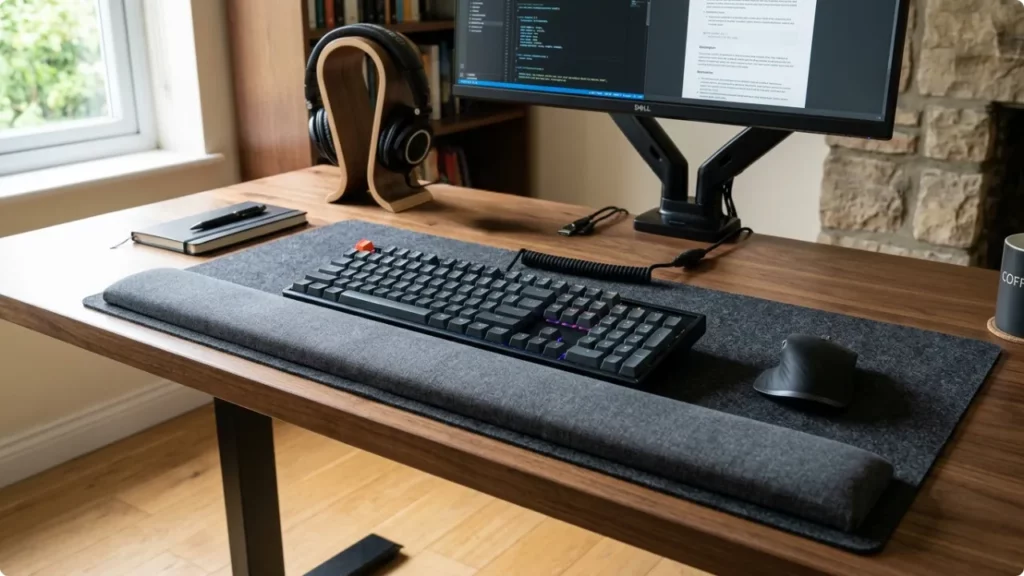
A computer wrist rest is usually considered when discomfort shows up during or after typing or using the mouse. Whether it helps relieve aches and pains, or makes the problem worse, depends on how it’s used, as well as having an already ergonomically correct desk setup.
Computer Wrist Rests Explained
How to Use a Wrist Rest Correctly
Think of the computer wrist rest as a palm support rather than a place to rest your wrist on. The name is a misnomer as the purpose is to minimise wrist flex between mouse or keyboard activity. The goal is to keep your wrist in a neutral position.
1. Position it correctly on the desk
A keyboard wrist rest should sit flush against the front edge of the keyboard. A mouse wrist rest should sit directly beside the keyboard and flush against the edge of the mouse mat.
2. Proper use is to maintain a neutral wrist position
The palm or heel of your hand is what should be placed on the wrist rest between activity. Your wrist should remain straight. Not bent up or down. The neutral position is what the rest supports.
3. Use for pauses only
Use the rest only when paused between activities. When typing, let your hands hover over keys. When using the mouse, a palm grip is best to minimise strain. The palm grip involves your entire hand. The palm should rest on the shell of the mouse. The index and middle finger should be on the left and right buttons. Thumb to one side, ring finger and pinky to the other.
On a standard mouse with a wheel in the centre, the middle finger should not rest there as that leaves only the pinky finger doing more grip work and sitting lower for the duration. Discomfort from overuse of the pinky finger gripping the mouse will be felt in the knuckles.
The size and shape of the mouse make a difference to the grip. Some standard mice are fine for small hands. Larger hands often require a better mouse shape. Some of the best ergonomic mice are a vertical mouse, a trackball mouse, or a silent ergonomic mouse to reduce click force.
4. Involve forearm and shoulder use
Whether you’re typing or using the mouse, involve more than your wrist. Poor posture when using the mouse is resting the arms on the chair arm rest, aligned to the height of the desk, leaving the wrist resting on a hard desk surface, and bent upward to grip the mouse. Your forearm and shoulder should not be static while working at the desk.
The Good and the Bad of Keyboard and Mouse Wrist Rests
Wrist rests are not new. Neither is carpal tunnel syndrome and it’s association with typist work. It goes right back to the days of the typewriter.
The first patent filed for a “WristRest” for a computer keyboard was in the 1990’s, and the same debate has been had… Whether a wrist rest at the computer is good or bad from an ergonomics standpoint.
Some feel the benefit, others say using one is worse than using nothing.
The Good
Even minimal forearm and wrist support can significantly reduce muscular tension in the neck and shoulders. For anyone spending long hours at a keyboard or mouse, that reduction can be of significant importance.
The Bad
Workers who maintain wrist contact throughout their session — leaning into the pad while actively typing or mousing — do accumulate pressure at the carpal tunnel area. When that pressure builds across hours of desk work, it can contribute to carpal tunnel syndrome and RSI – Mouse repetitive strain injury or mouse arm. People who develop those symptoms while using a wrist rest often conclude the rest is to blame.
The Balanced Perspective
Both positions are accurate. They describe the same product used two different ways. The workers who find wrist rests make things worse are maintaining “wrist” contact throughout their session. The workers who find them useful are resting between movements, not during them.
When a Mouse Wrist Rest Is Advantageous
A wrist rest is an aid, not a fix. If posture or workstation setup is the problem, a pad under the wrist won’t resolve it. What it can do is reduce the cumulative load on a wrist that’s already working hard.
It’s most useful when the mouse is in use for most of the working day. When wrist pain is predominately on the mouse hand side, that’s when there’s often an association between the computer mouse and repetitive strain injury.
Long sessions involve thousands of small repetitive movements, and the tendons involved run from the fingers through the wrist, forearm, elbow, and into the shoulder. Returning the wrist to a supported, neutral surface during the pauses between those movements reduces the overall load over the course of the working day.
For anyone already experiencing mild wrist fatigue or early RSI symptoms, the additional factor to bear in mind is heat. Inflammation causes the wrist to run warmer, which has a bearing on material choice — gel or foam.
What a wrist rest won’t do is compensate for poor form. If the mouse is positioned too far from the keyboard, the shoulder is doing work it shouldn’t be. If desk height puts the wrist into a bent position for the whole session, no amount of padding corrects that. It works best as part of a setup that’s already reasonably well-positioned.
If you’re at a mouse for most of the working day and want to know which specific products hold up best under that kind of use, the best mouse pads with wrist support will be either gel for long hours or foam for short spells, and with sufficient height to match your keyboard and mouse.
Gel vs Memory Foam Wrist Rests
Gel is firmer than most people expect. It doesn’t cushion the way foam does — the reason to choose it is durability and heat management. Gel holds its shape under consistent daily pressure rather than compressing over time, and it dissipates heat rather than retaining it. For anyone spending most of the working day at a mouse, or managing inflammation from RSI, tendonitis, or carpal tunnel, gel is the more practical choice.
The trade-off is that under sustained pressure, seams can weaken over time, and if a gel rest fails, the material is sticky and not straightforward to clean up.
Memory foam wrist rests use a much lower density foam than a pillow or mattress — soft enough to feel cushioned initially, but not built to hold up under consistent daily pressure without compressing.
A permanent depression forms where the wrist contacts the pad consistently, and the foam recovers slowly between sessions. For lighter use — an hour or two at the desk rather than most of the working day — foam wrist rests can provide sufficient support.
Types and Configurations of Wrist Rests
Beyond fill material, wrist rests differ in how they sit on the desk and how they relate to the mousing surface.
Standalone wrist rests are separate pads positioned in front of the keyboard or the mouse. They can be moved and repositioned independently, but two separate items need to be kept in alignment, and there’s a gap between the keyboard and mouse areas where the wrist can drop unsupported if placement drifts.
Integrated designs combine the mouse pad and wrist rest into a single product, with the wrist rest running along the bottom edge of the mat in a fixed position relative to the mousing surface. There’s no alignment to maintain, no separate accessory to place, and no gap for the wrist to fall into between movements. For most setups this is the tidier, more consistent option.
Extended integrated mats run wide enough to cover both the keyboard and the mouse on a single surface, with a wrist rest spanning the full width along the front edge. These suit a specific problem: the mouse being positioned too far from the keyboard.
When the mouse is pushed out wide, the arm extends to reach it and the shoulder opens out — a position that builds tension in the upper arm and shoulder over hours of use. A mat that brings the two surfaces together naturally reduces the reaching motion and keeps the shoulder in a more relaxed position without any conscious adjustment.
With regards to the surface material: cloth is the most common mousing surface across both standalone and integrated designs. It tracks reliably with standard optical mice and wears gradually rather than suddenly. Vinyl and smooth synthetic surfaces offer a faster glide but can cause tracking inconsistencies with higher-DPI optical mice, where the sensor can struggle on a reflective surface and produce erratic cursor movement.
For everyday office use, using a standard computer mouse, cloth is the practical base material with the filler being either gel or foam for the wrist support, depending on how you use it. Used properly, gel provides the firmest support with relief for specific nuances like carpal tunnel syndrome and tendonitis. Foam is better for short-use, minimal cushioning, that acts more like a support anchor to encourage you to use a neutral wrist position.
When you feel your wrist pressing into the surface, and can trust yourself to make the effort to correct your posture, a foam wrist support has merit. If you think you’ll lean on the wrist rest more because it’s there and may feel more comfortable when working, it’s likely best to not use one. Leaning on a wrist rest is when it’s often best to have no support at all. Use them a support only to help you maintain a neutral posture.