How To Set Up An Ergonomic Keyboard Correctly
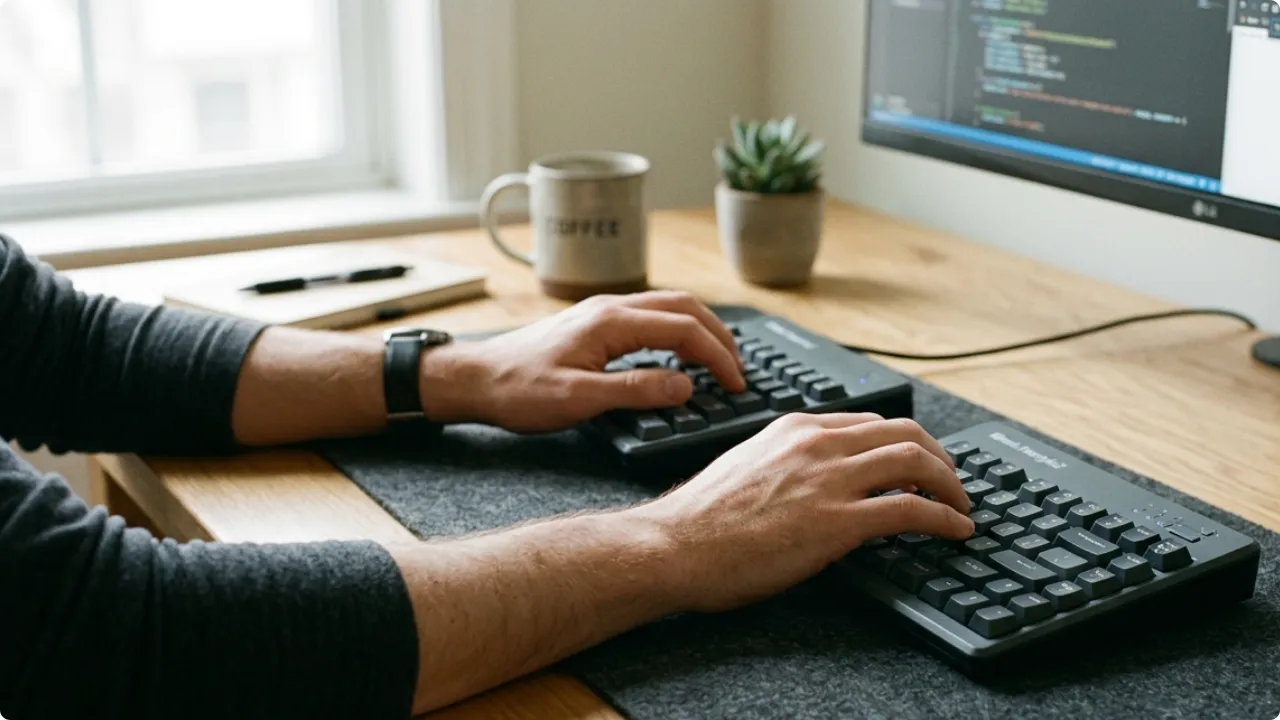
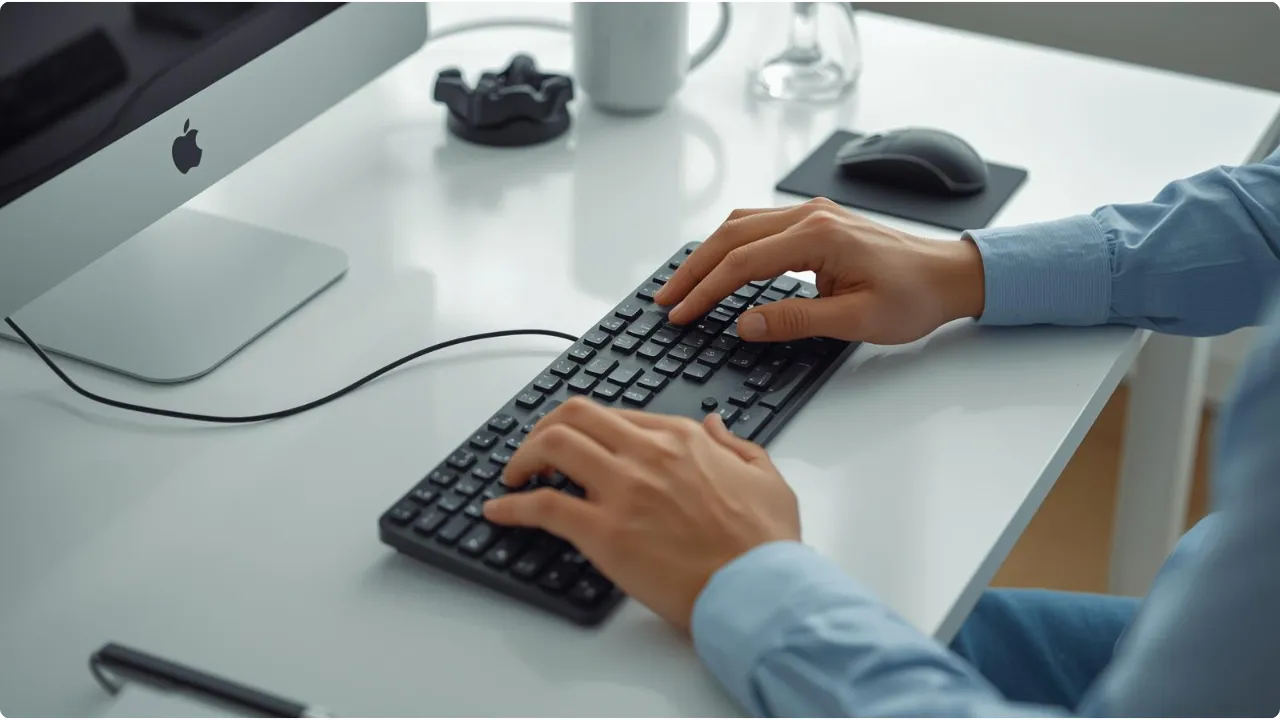
Person typing on a split ergonomic keyboard on a wooden desk with a large desk mat.

Ergonomic keyboards aren’t immediately comfortable — they’re designed to be. The design does half the job. The setup does the other half. An ergonomic keyboard is designed to reduce strain — but the design only does its job if the keyboard is positioned correctly.  The setup takes ten minutes, but that’s assuming you’ve already chosen … Read more
How To Choose An Ergonomic Keyboard For Maximum Typing Comfort

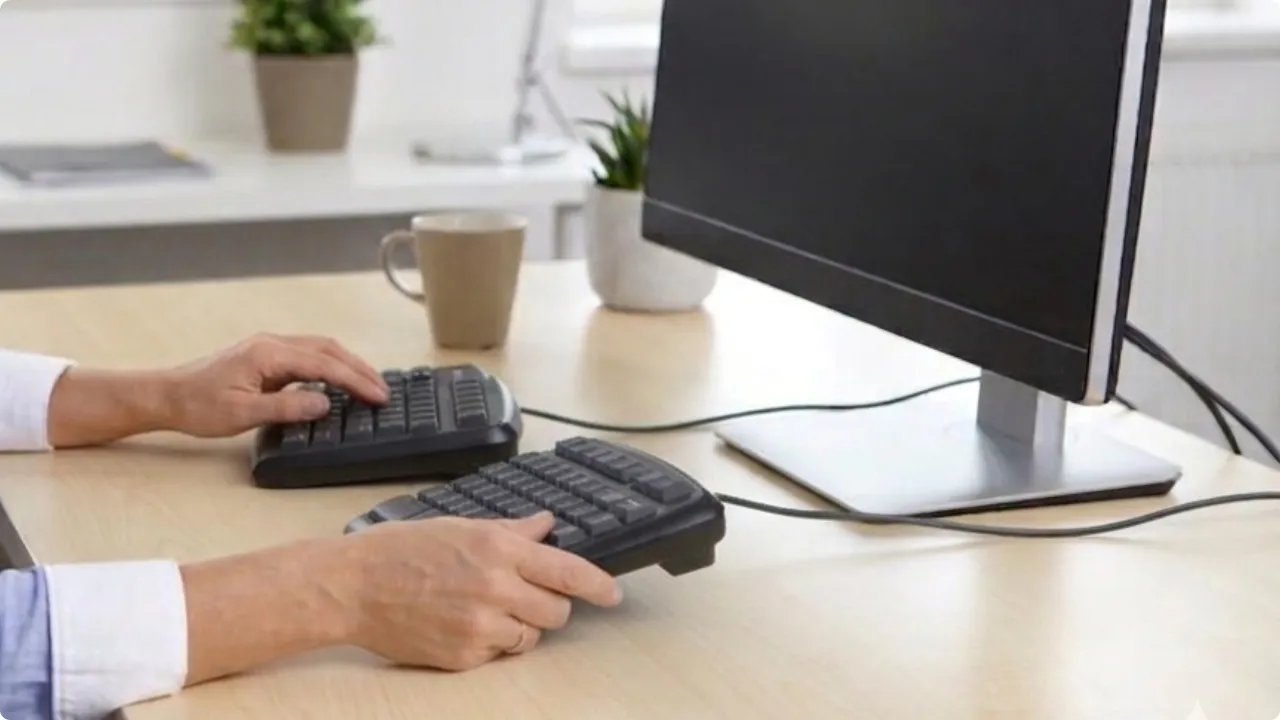
Hands adjusting the position of a split ergonomic keyboard on a light wooden desk

Most ergonomic keyboards are bought for the wrong reason — because they look comfortable, or because the price felt reasonable. Neither tells you whether a keyboard will actually address what’s causing your discomfort. The type does. Over half a million workers in Great Britain are currently dealing with a work-related musculoskeletal disorder, according to the … Read more

Featured

Best Ergonomic Keyboards for Home Office Use

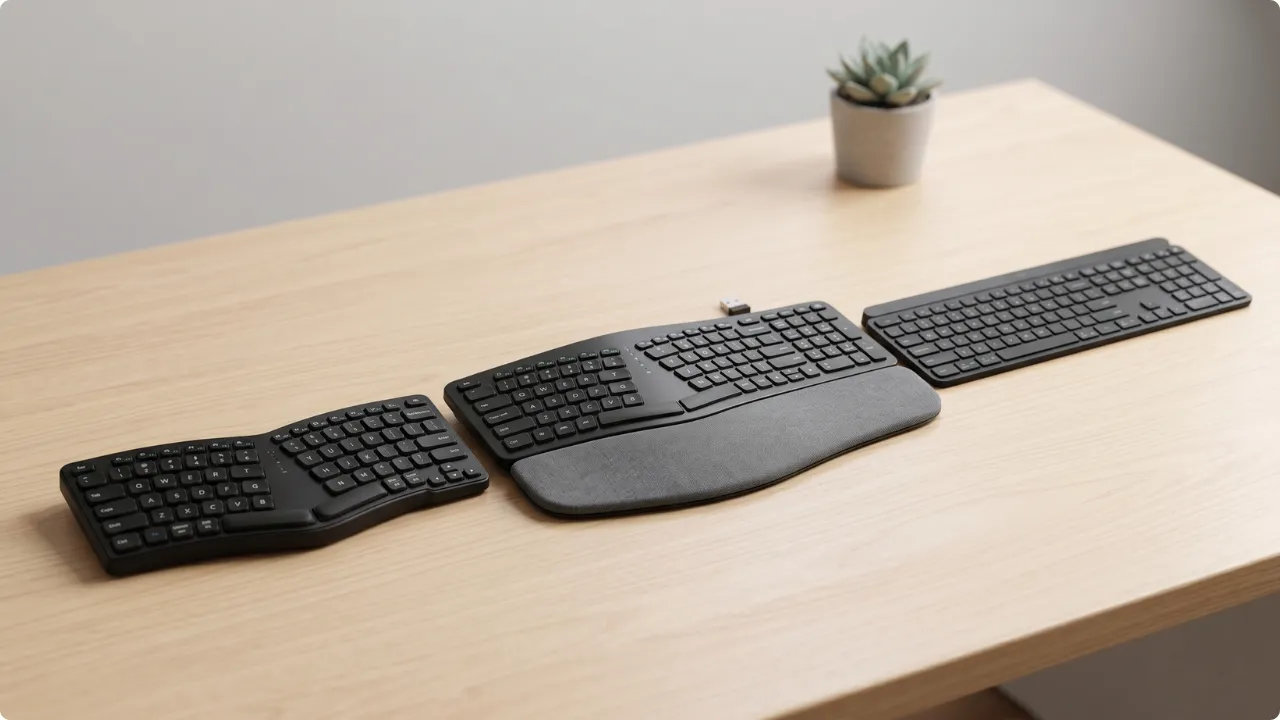
3 of the best ergonomic keyboard styles shown side by side on a light wooden desk

The best ergonomic keyboard for your home office depends on your setup — whether you’re dealing with wrist pain, typing all day, or working with limited desk space. Ergonomic keyboards are designed to fix different problems. The best ergonomic keyboard for wrist pain won’t reduce shoulder tension if it’s the mouse position that’s causing the … Read more

How to Find the Computer Monitor Height That’s Right for You

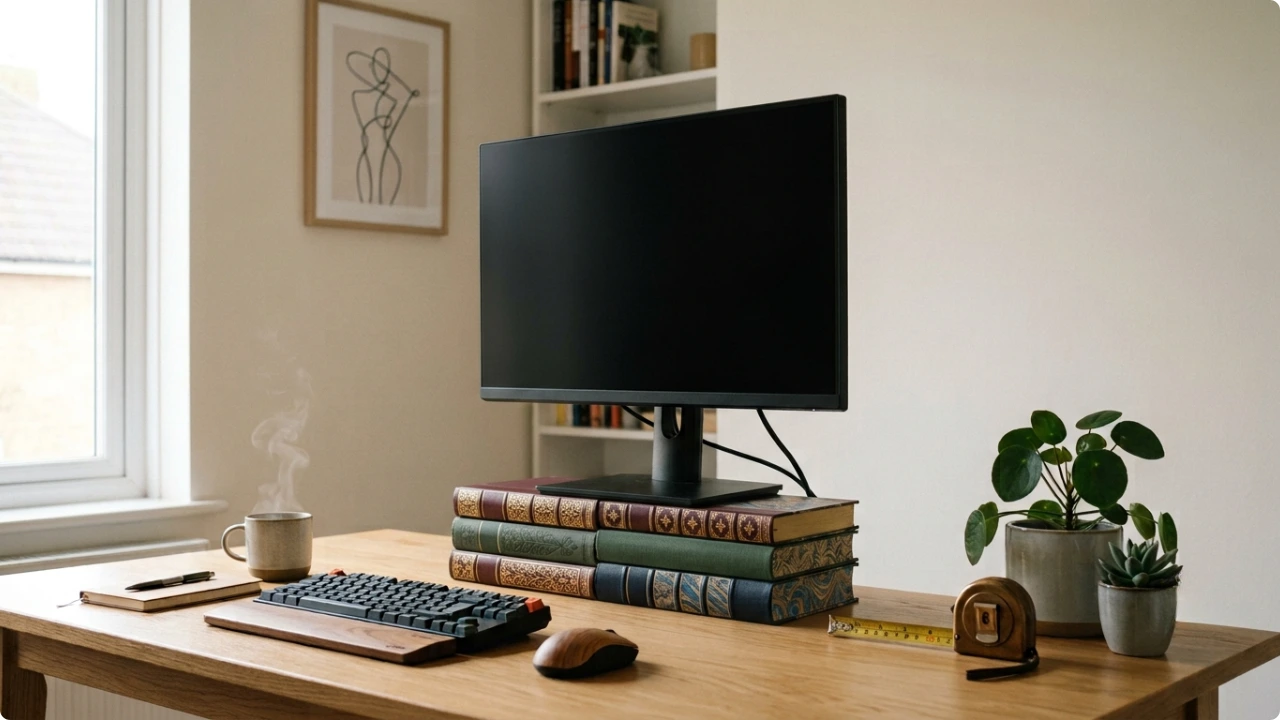
Computer monitor raised on a stack of three books to eye level on a home office desk, with a tape measure alongside

The most comfortable monitor height for you is a specific number, and it’s yours alone. Find it first, with what’s already on your desk, and choosing a stand becomes straightforward. Most people raise their screen until it feels better than it was. That’s an improvement, but it rarely lands on the height that’s actually right … Read more

Why Ergonomic Monitor Stands Are Only Half the Answer

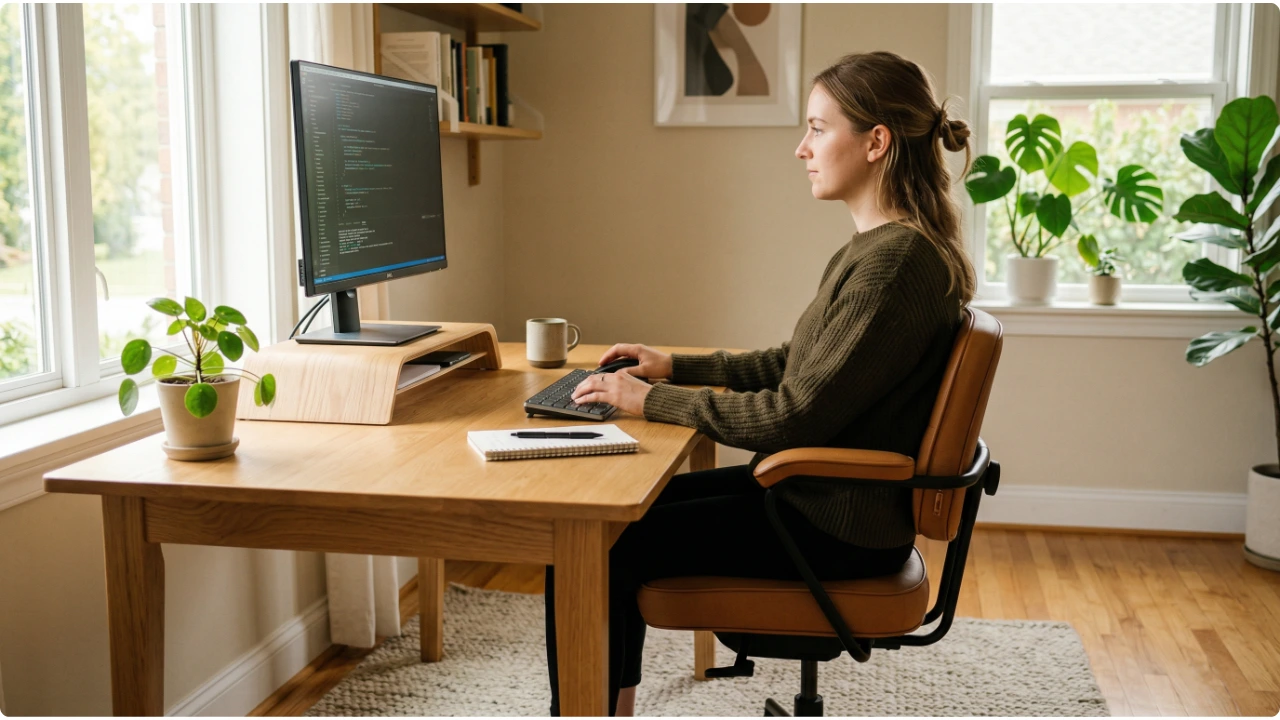
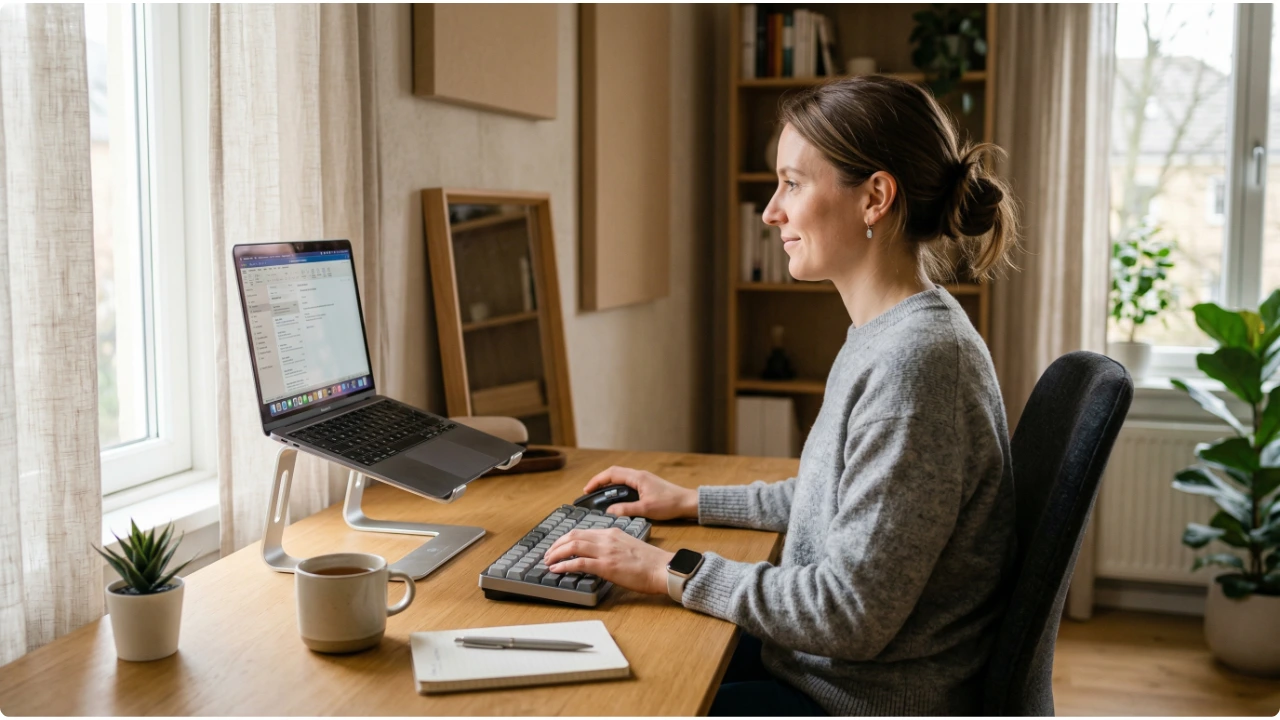
Woman at a wooden home office desk in side profile, monitor raised on a wooden stand, upright posture and neutral neck

A monitor stand raises your screen. That is the part it handles well. What it cannot do is fix everything else — and for most people, everything else is where the discomfort actually lives. Ergonomic monitor stands have become one of the more popular home office additions in recent years, and the appeal is straightforward. … Read more

Dual Monitor Setup for Small and Compact Desks

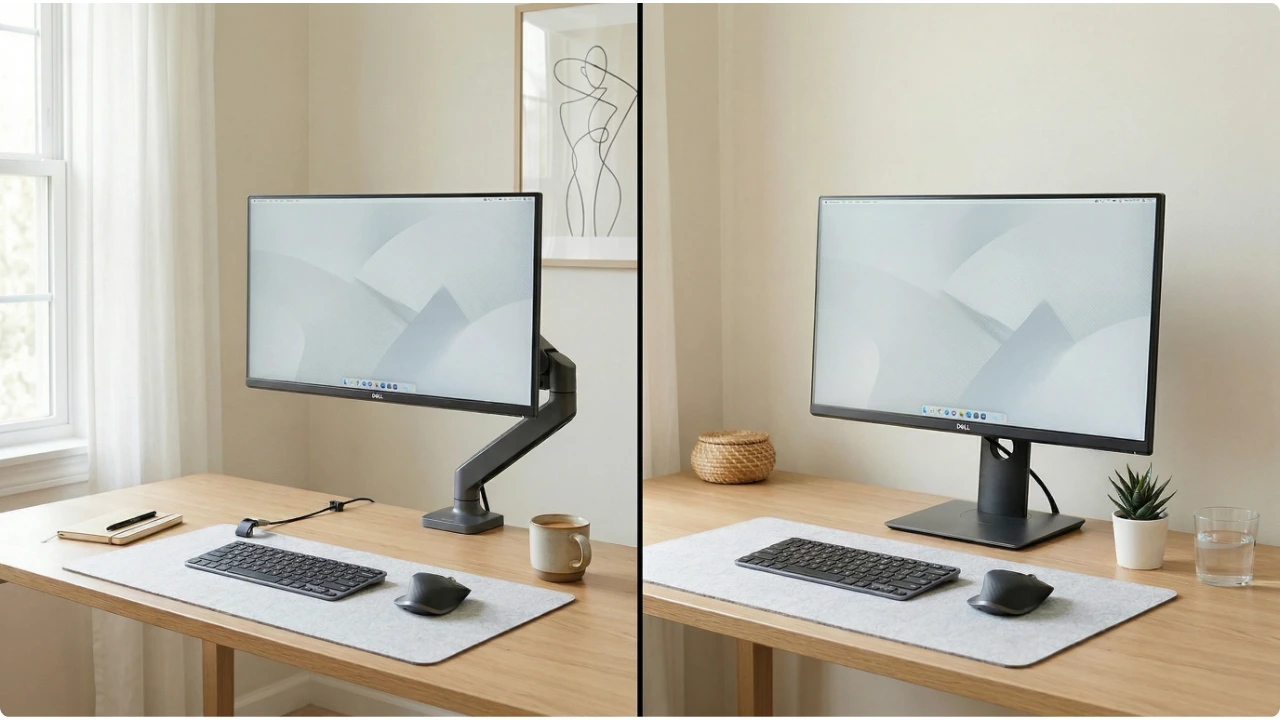
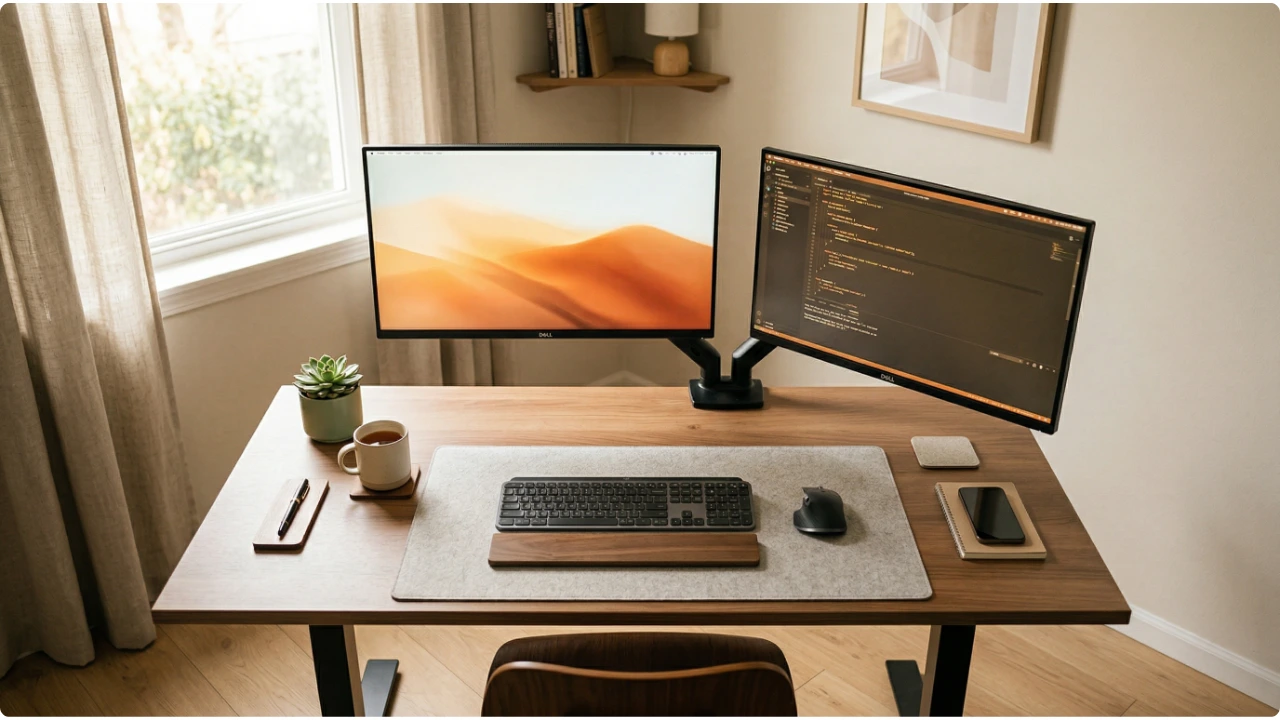
Two monitors on a compact wooden desk, one on a monitor arm angled to the side, keyboard centred in front

Two monitors on a narrow desk is achievable — but the standard advice assumes space that isn’t there. Here’s how to make it work. The case for a second monitor is well established. More screen space, fewer application switches, a dedicated area for reference material alongside the primary working window. For most people it genuinely … Read more

How to Position a Computer Screen for Progressive Lenses

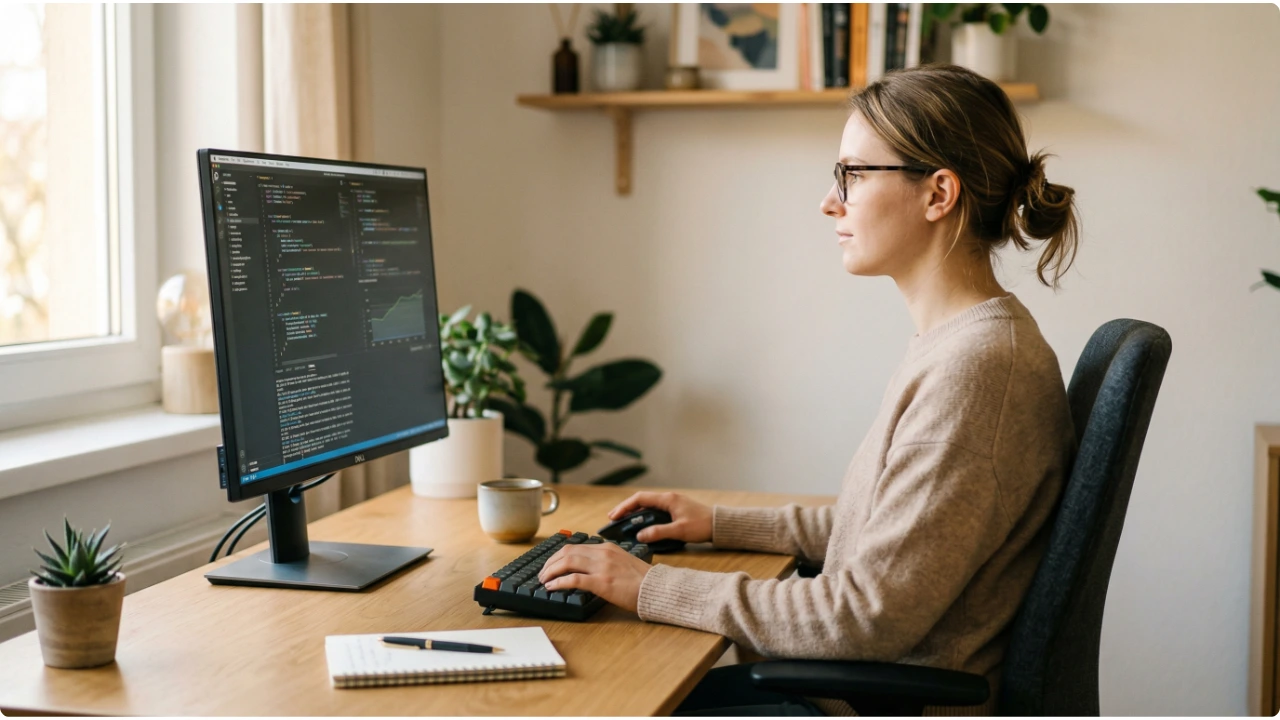
Woman wearing glasses at a home office desk in side profile, monitor positioned below eye level, neutral head position

Standard monitor height advice does not account for progressive lenses. Here is what to adjust and why it makes a difference. Progressive lenses are a practical solution for people who need correction at more than one distance. They work well for most daily tasks — but screen use at a desk exposes a specific limitation … Read more