
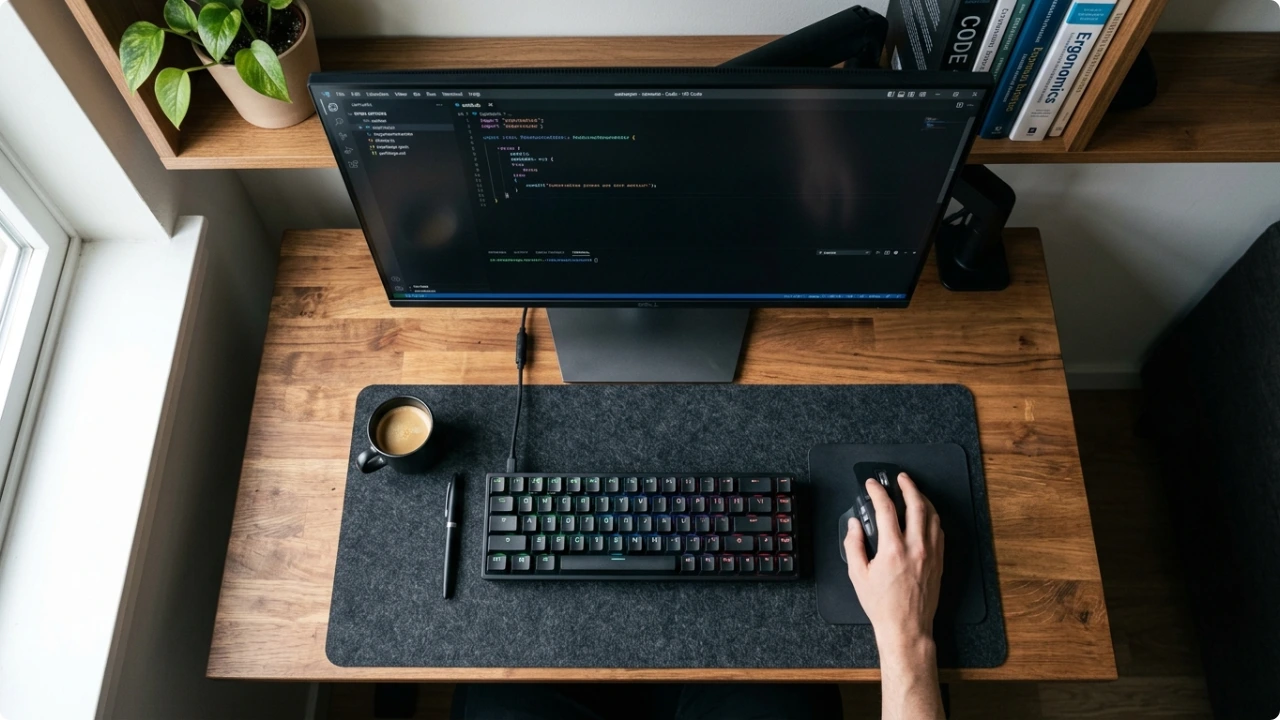
The keyboard is usually the biggest movable object on a desk. Swapping it for a smaller one costs less than a new desk and changes more than you’d expect.
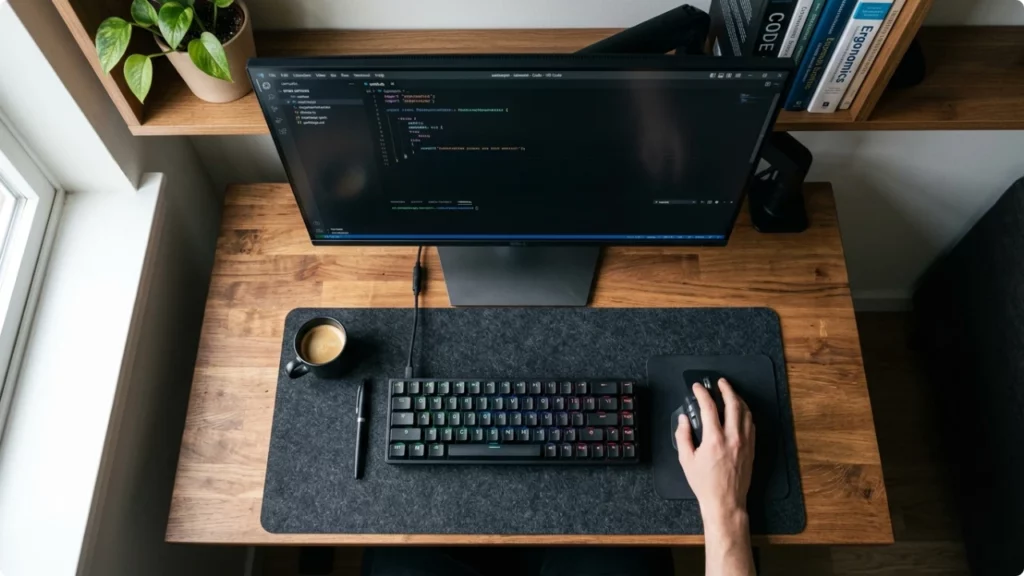
A cramped desk does more damage than it looks like it should.
The keyboard pushes forward, the monitor follows, and before long you’re sitting closer to the screen than you should be with your shoulders pulled in and your neck doing more work than it needs to. The mouse ends up wherever it fits rather than where it should be, which means the right arm is reaching further than it ought to — hour after hour.
Most people assume the fix is more space. But the keyboard is usually the biggest movable object on the surface, and it’s the one thing most people never think to change.
By “cramped desk” this covers any workstation — the kitchen table, a narrow desk wedged into the corner of a living room, or a foldable table in the bedroom that gets pulled out for admin days.
Is a Small Computer Keyboard Practical for Your Workflow?
What Kind of Workspace Are You Actually Working With?
The type of workstation the keyboard sits on will be the most influential factor on the type of keyboard that will work best.
Desks with compartments or hutches
Older home office furniture — and a lot of flat-pack desks — comes with a fixed compartment either side of the keyboard area, or a hutch above the surface. The keyboard ends up centred by default, with the monitor directly behind and very little usable space either side.
The problem here that there’s no rearranging your way into a more organised setup.
Narrow open desks (under 100cm wide)
These are chosen for the room, not the work. A room too small for a standard desk gets a narrow one, and that narrow desk then has to hold a keyboard, mouse, and monitor — plus whatever else ends up there.
A full-size keyboard on a desk under 100cm wide takes up a disproportionate share of the surface. The mouse ends up pushed to the edge, or there’s no room for one at all. If you type on a laptop, you’d be reliant on the trackpad. Neither supports and ergonomically correct desk setup.
Multipurpose tables — dining, craft, studio
A dining table or kitchen table used as a workspace is wide, but that width isn’t necessarily available. One section is for work. The rest is occupied — by food, craft supplies, fabric, sketchbooks, tools, whatever the table normally does.
For makers, crafters, and small business owners working from a studio or workshop space, the table is the workspace. A laptop and peripherals compete with the actual work, and the keyboard is just one more thing taking up room that’s already allocated.
The corner setup — living room, bedroom, hallway
Before wireless was standard, a home computer went wherever the phone socket was. That was often the hallway, or a corner of the living room, with a cable routed to the nearest connection point.
Even now, with wireless taken for granted, a lot of home setups are positioned by proximity — to the router, to a socket, to whatever space is available. A desk tucked into the corner of a bedroom or behind the sofa in a living room isn’t a compromise people settled for when they could have done better. It’s where the space was.
When space is limited, the simplest solution is to make more use of the constrained space you currently have.
Why the Keyboard Takes Up More Space Than You Think
A standard full-size keyboard is typically around 44–45cm wide. That’s before you account for the mouse.
On a keyboard with a numpad, the mouse has to sit a disproportianate distance to the right of it — further than most people find comfortable. On a 100cm desk, the keyboard and mouse combined can account for more than half the surface width before anything else is factored in.
The cable makes it worse. Even on a tidy desk, a keyboard cable takes a fixed path across the surface and limits where everything else can go.
The Under-Desk Tray Workaround (And Why It Often Backfires)
Under-desk keyboard trays are a common fix for a cramped surface. The keyboard moves off the desk entirely, the desk clears up, and the problem appears solved.
In practice, it trades one problem for another.
With the keyboard on a tray below desk height and the mouse still on the desk surface, both arms are working at different heights. The keyboard arm angles downward, the mouse arm stays level. Over hours of desk work, that asymmetry builds up in the shoulders and upper back.
A small computer keyboard that stays on the desk keeps both arms at the same working height — and takes up less surface space than the full-size keyboard it’s replacing.
How a Small Computer Keyboard Helps
On the surface, it looks like it’s just aesthetically better. The smaller size can actually reduce shoulder strain.
The mouse moves closer
Removing the numpad from a full-size keyboard cuts the width by roughly 15–20%. That’s the distance the mouse moves back toward the keyboard. For anyone whose mouse arm has been extending further right than it should, that reduction makes a massive difference — it’s less shoulder reach accumulated across hours of use.
Cable clutter drops
Most compact keyboards are wireless. That removes a cable from the desk entirely — not routed differently, just gone. On a small or multipurpose surface, one fewer cable makes a noticeable difference to how the workspace feels and functions.
The desk gets its surface back
A compact keyboard simply occupies less of the surface. On a narrow desk, that margin is the difference between a functional workspace and one where something is always in the way.
You Don’t Have to Go Tiny to Get the Benefit
The smallest keyboard options — 60% keyboards — remove a significant number of keys. The function row goes, the number row goes, and everyday tasks start requiring key combinations that take time to learn.
That’s not the sweet spot for most small home office setups.
A 75% keyboard removes the numpad and brings everything else closer together without dropping the function row or top number row. A 65% keeps arrow keys and a small navigation cluster. Either delivers most of the desk space benefit without the adjustment period that comes with going smaller.
The exception worth acknowledging: if your work is number-heavy — spreadsheets, accounts, data entry — losing the numpad has a real impact on speed. A 60% or 75% keyboard paired with a separate standalone numpad in a drawer is a practical option. The numpad comes out when it’s needed and goes away when it isn’t.
Workspace Organisation Tips to Free Up Usable Space
A surprising amount of peripherals and stationery can accumlate on compact desks. Particularly those with no storage compartments. Those often impede proper positioning, making the days work more uncomfortable than it need be.
Printers, paper, and ink don’t need to be near the desk
A wireless printer doesn’t need to sit on or next to the desk. It doesn’t even need to be in the same room.
A shelf in a spare room, a cupboard, a basket with paper and cartridges beside it — wireless printers work exactly the same whether it’s two metres away or twenty. Moving it off the desk area recovers surface space and, often, drawer space that was previously being used for paper and consumables.
The desk doesn’t need to be the storage point for every computer peripheral.
Occasional-use peripherals can live off the desk
Some peripherals earn their permanent place on the desk. Others are used infrequently enough that storing them elsewhere makes more sense than working around them daily.
A standalone numpad is the most relevant example here — useful for spreadsheet-heavy sessions, unnecessary the rest of the time, and small enough to fit in a shallow drawer. A webcam used only for calls, a flatbed scanner, a graphics tablet, an external hard drive — all of these can have a designated off-desk home and come out when needed.
The key word is designated. Without a specific place to go, occasional-use items tend to migrate back to the desk surface.
Accessories That Can Help Recover Desk Space
A monitor arm replaces the stand that currently takes up surface area below the screen. The monitor stays at the same height — or gets adjusted to a better one — but the stand footprint disappears entirely.
A laptop stand raises the screen closer to eye level and can move the laptop further back on the desk, which frees up the space directly in front of it. An external keyboard — ideally a compact one — then sits where the laptop was, in a better typing position and with less overall footprint than the laptop occupying that space alone.
A small under-desk drawer unit or desktop organiser gives occasional-use items somewhere to go that isn’t the desk surface — which is the practical step that stops the desk reverting to clutter within a week of tidying it.
None of these solve a cramped workspace on their own. Combined with a small computer keyboard, they compound. Each one recovers a portion of the surface. Together, the effect is significant.