
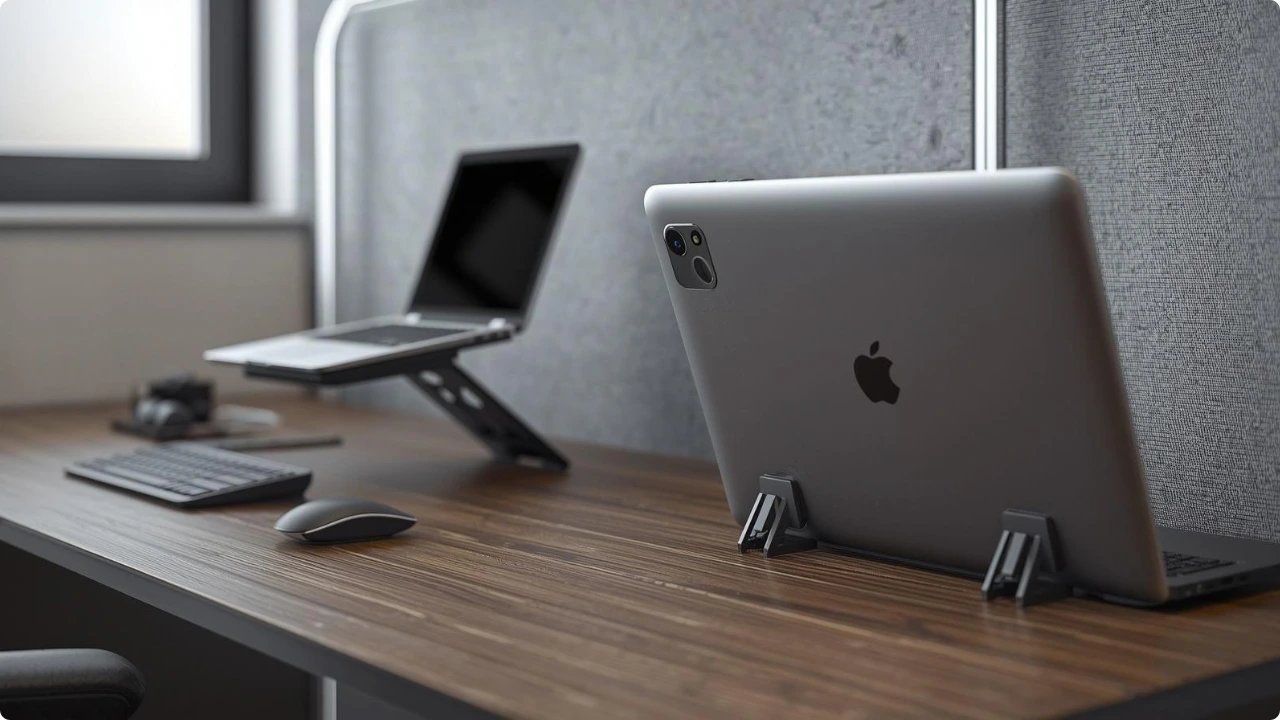
Laptop stands are usually designed to raise the screen to eye level. When the screen rises, the keyboard rises too, which can make typing uncomfortable. That’s why many ergonomic setups pair a stand with an external keyboard and mouse.
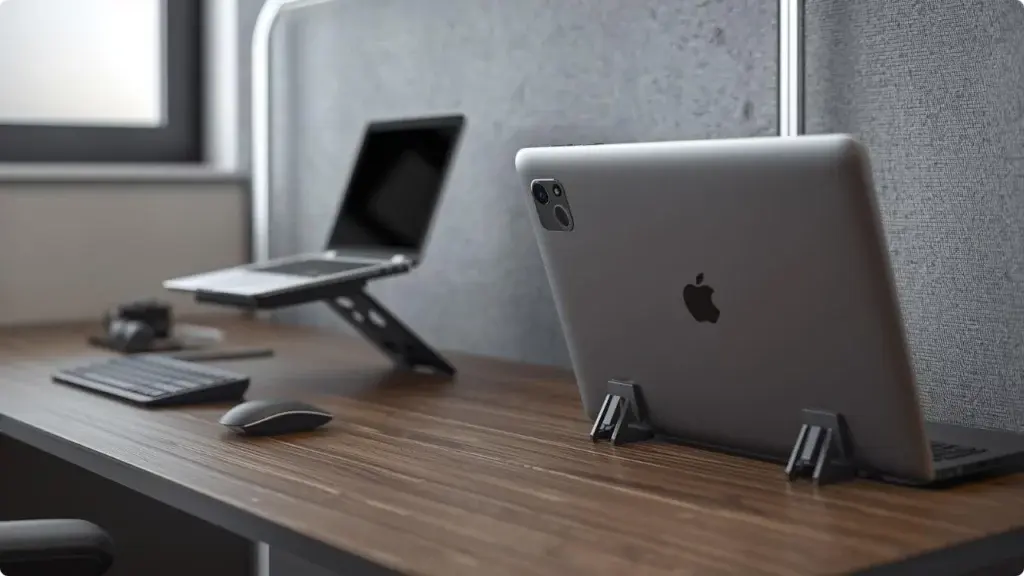
Portable laptop stands are often recommended for improving posture during long work sessions. Raising the screen helps bring it closer to eye level, which reduces the need to tilt your head downward while working.
However, lifting the laptop also raises the built-in keyboard. This can change how your wrists, elbows, and shoulders sit while typing, which is why external keyboards are commonly suggested alongside laptop stands.
Should You Pair an External Keyboard with a Laptop Stand?
Why Raising Your Laptop for Better Posture Can Make Typing Harder
Primarily, laptop stands improve posture by elevating the screen. When the display sits closer to eye level, it becomes easier to maintain a neutral head position instead of leaning forward to see the screen.
The challenge is that the laptop keyboard rises with the screen. Once the device is elevated high enough for comfortable viewing, the keyboard can end up sitting above normal desk height.
This often causes the wrists to bend upward and the shoulders to lift slightly while typing. Over longer work sessions, that position can create tension in the forearms, shoulders, and upper back.
Because of this trade-off, laptop stands tend to improve viewing ergonomics while making the typing angle less comfortable. This is one of the key factors when deciding which laptop stand to choose.
Why an External Keyboard Is Commonly Recommended for Laptop Stand Setups
External keyboards solve the ergonomic trade-off created by laptop stands. They allow the keyboard to remain at desk height while the screen stays elevated.
This separation lets each part of the setup sit in a more comfortable position:
- The screen sits closer to eye level
- The keyboard stays at a natural typing height, keeping wrists relatively flat
- The elbows can sit closer to a 90-degree angle without the shoulders lifting
For longer desk sessions, a compact external keyboard — TKL or 75% — is worth considering over a full-size board. Removing the number pad brings the mouse closer to the keyboard, which reduces the reach and keeps the right shoulder in a more neutral position.
Different types of portable laptop stands suit different desk setups, and the choice of stand affects how much height adjustment you have to work with.
When You Can Use a Laptop Stand Without an External Keyboard
Despite the ergonomic advantages, external keyboards are not always necessary. Many people use laptop stands on their own for shorter or more flexible work sessions.
For example, someone trying a portable stand for the first time may simply want to improve screen height while working at home. Typing on the built-in keyboard may still feel acceptable for quick tasks or shorter sessions.
In these situations, the stand still provides some benefit by reducing neck strain, even if the typing position is not fully optimised.
Some users also hesitate to add extra equipment because it increases cost, setup time, and the amount of gear they need to carry.
Portable Setups: Laptop Stands for Travel and Café Work
Portable laptop stands are frequently used outside traditional desk setups. Remote workers, commuters, and travellers often rely on foldable laptop stands in places like cafés, libraries, or trains.
In these environments, the main goal may be convenience rather than a full ergonomic workstation. A small foldable stand can raise the screen slightly while keeping the overall setup quick and discreet.
For example, someone working on a train tray table might use a lightweight kickstand riser mainly to improve airflow and reduce heat buildup. In this case, the laptop keyboard may still be used directly because adding an external keyboard would make the setup less practical.
Many portable stands are designed with this kind of flexible use in mind.
Simple Ergonomic Setup for Laptop Stands
If you want to get the most comfort from a laptop stand, a few small adjustments can make a noticeable difference.
A typical ergonomic setup:
- Raise the laptop so the top of the screen sits at or slightly below eye level, about 50–70 cm from your eyes.
- Tilt the screen slightly back (around 10–20°) so the display faces you comfortably.
- Keep the keyboard at a height where your elbows sit around a 90–110° angle and your forearms remain roughly level with the desk.
- Position the mouse close beside the keyboard to avoid reaching forward.
- Maintain relaxed shoulders and straight wrists while typing.
Some setups — like using a laptop stand on a sofa — make a fully ergonomic position difficult to maintain, often favouring a stable base with slight elevation instead of a typical stand setup.
For longer work sessions, pairing a stand with a compact external keyboard often creates the most comfortable arrangement.
If you’re choosing a stand specifically for portability, look for lightweight portable laptop stands that fold flat and set up quickly while still providing enough lift for better screen positioning.
Do You Need an External Keyboard With a Laptop Stand?
| Scenario | External Keyboard Needed | Why |
| Long desk work sessions (3+ hours) | Yes – recommended | Keeps the keyboard at desk height while the screen stays elevated for better posture. |
| Working from a fixed home office desk | Usually yes | Allows a more ergonomic setup with relaxed shoulders and neutral wrist position. |
| Short work sessions | Optional | Typing on the built-in keyboard may still feel comfortable for brief tasks. |
| Travel, cafés, or trains | Optional | Portable setups often prioritise convenience and minimal equipment. |
| Using a stand mainly for cooling or airflow | Optional | The stand may be used only to lift the laptop slightly rather than create a full ergonomic workstation. |
Conclusion
Laptop stands improve screen height and can reduce neck strain, but raising the laptop also lifts the built-in keyboard. For longer work sessions, this often makes typing less comfortable because the keyboard sits higher than normal desk level.
That’s why many ergonomic laptop stands with various height levels (and sometimes tilting angles), recommend using an external keyboard and mouse. The screen can stay elevated while the keyboard remains at a natural typing height.
For travel, short sessions, or flexible workspaces, using the laptop keyboard on its own may still be perfectly practical. The best approach depends on how long you work and how portable you need your setup to be.