
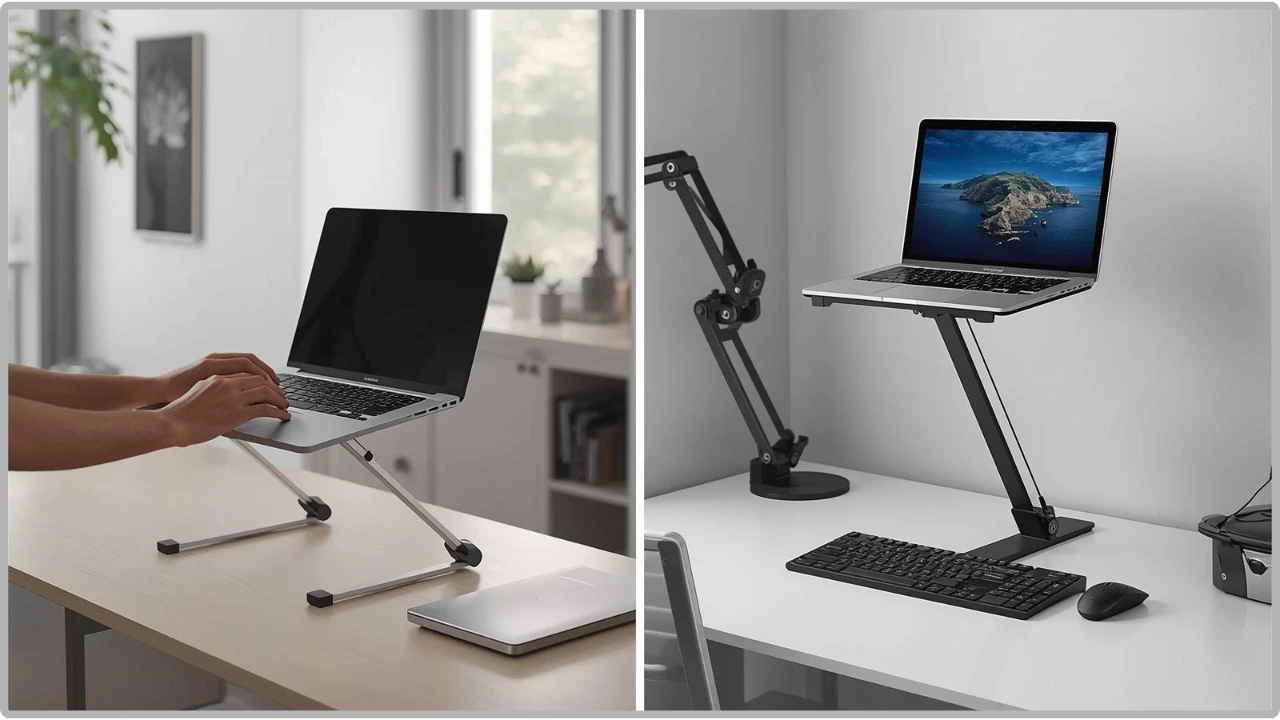
Portable laptop stands can be ergonomic, easy to carry, or stable enough to type on, but rarely all three at once. There are always trade-offs to consider.
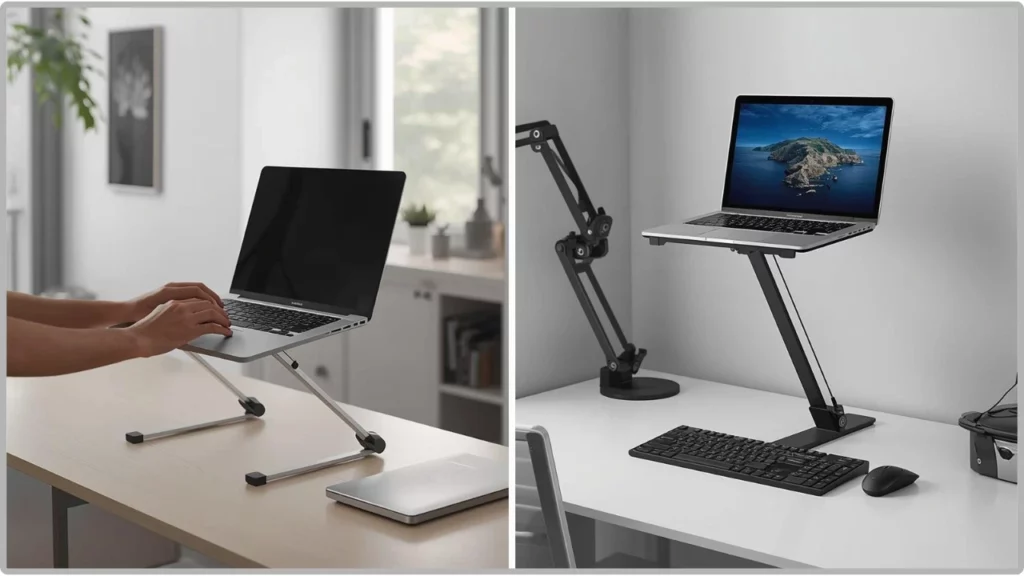
Many portable laptop stands look like they’re designed to do the same job — elevate your laptop. In practice, small design differences can completely change how they feel to use.
A stand that works for screen viewing can quickly become frustrating if it wobbles when typing, doesn’t sit properly on your desk, or isn’t as portable as you expected. These are some of the most common reasons they get returned.
In most cases, it’s not because the stand is poorly made, but because it doesn’t match how it’s actually being used.
A Buyer’s Guide to Portable Laptop Stands
Start With How You Actually Use Your Laptop
Laptops are now often used in place of desktop PCs, but not always in one fixed location. How and where you use yours most should guide the type of stand you choose.
Fixed desk or flexible setup? If you mainly work at one desk, you can prioritise stability. If you move between rooms or shared spaces, portability matters more. A foldable design that packs away easily will serve you better, even if it introduces a little movement.
Typing directly on the laptop, or using an external keyboard? This is one of the most important questions. Typing creates repeated pressure on the stand, making stability and lower height positions more important. If you’re just raising the screen, height and adjustability become the priority instead.
Choosing the Right Stand Type
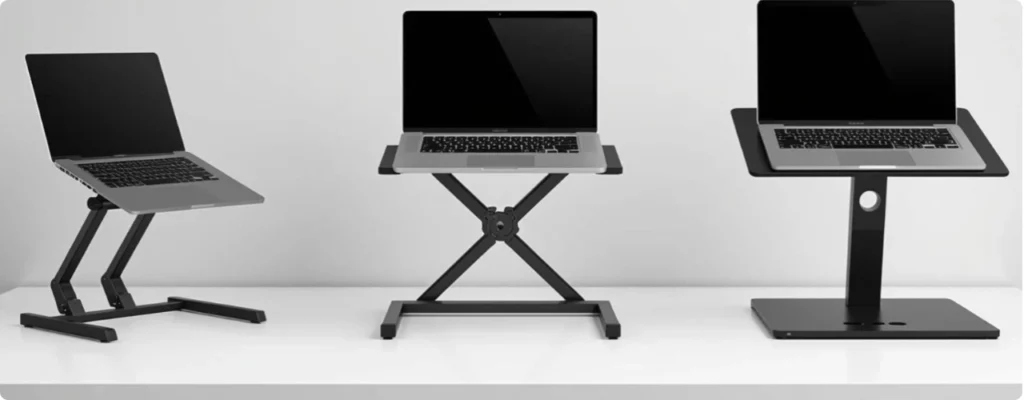
Once you know how you use your laptop, choosing the right stand type becomes much clearer.
Ultra-Portable / Minimal Designs
The lightest option, with some small enough to fit in a laptop sleeve. Ideal for travel, cafés, or short sessions where quick setup matters most. The trade-off is limited stability and height adjustment, so they’re less suited to long typing sessions.
Wide-Base or Platform Designs
Built for stability first. A broader base feels more secure, particularly when typing directly on the laptop, and tends to allow better airflow underneath the device. The downside is size and weight. These suit fixed or semi-permanent desk setups rather than daily packing.
Foldable Adjustable Designs
Adjustable laptop stands are the most versatile category. They offer multiple height and angle options, making them practical across a range of setups — desk work, shared spaces, or moving between locations like a laptop setup on a sofa, desk, or kitchen table.
Some flex at higher positions is normal due to the hinges, but they balance portability and usability well.
Matching the Stand to Your Workspace
Even the right type of portable laptop stand can feel awkward if it doesn’t suit your workspace. Desk size, surface stability, and how often you move your setup all influence what works in practice.
- Small or Cluttered Desks
Footprint matters. Larger stands can crowd out space for a mouse or keyboard, so slimmer foldable designs tend to work better in compact setups.
- Flexible / Changing Workspaces
If your setup shifts regularly, whether between rooms, shared tables, or temporary spots, the stand needs to be easy to carry, quick to set up, and compact to store. Lighter, simpler designs typically outperform heavier, more rigid ones here.
- Fixed Desk Setups
With fewer constraints, you can prioritise comfort. Heavier or wider-base designs feel more secure for longer sessions, particularly when typing directly on the laptop.
- Video Calls and Screen Positioning
If your laptop is mainly used for calls or meetings, raising the screen to eye level matters more than base stability. This pairs naturally with an external keyboard, where the stand’s job is simply to position the display.
- Weight vs. Stability: Finding the Balance
These two factors are always in tension. Lighter stands are easier to carry but tend to flex more. Heavier stands feel solid but are less practical on the move.
The weight of most portable laptop stands sits somewhere in between. Foldable designs often hit the sweet spot; portable enough to carry but structured enough for typical use.
Key Features that Affect Usability
Once you’ve narrowed things down based on your setup and workspace, the smaller design details are worth considering.
- Height Range
Higher positions improve screen height but can introduce movement. Lower and mid-height positions tend to feel more stable, especially for typing.
- Number of Hinges
More hinges mean more adjustability, but also more potential flex. Simpler designs often feel more rigid; highly adjustable ones trade stability for flexibility.
- Base Design
Wider support points distribute weight more evenly and reduce movement, particularly on smaller or uneven surfaces.
- Anti-Slip Grips
Grip keeps both the stand and laptop in place. More important on smooth desks or at higher positions where movement is more noticeable.
- Material
Metal feels more rigid but adds weight. Lighter materials improve portability but may introduce more flex depending on the design.
Common Mistakes to Avoid
- Prioritising maximum height over stability. Higher positions often move more, especially when typing. A slightly lower but stable setup is usually more comfortable.
- Ignoring how you type. Typing vs viewing is one of the biggest decision points. Overlooking it leads to frustration.
- Expecting zero movement from foldable stands. Some flex is normal at higher settings. Foldable designs are built for flexibility, not rigidity.
- Overvaluing portability for desk use. If the stand stays on a desk, a more stable design is often the better choice.
- Forgetting the surface. Movement doesn’t always come from the stand. Smaller desks and uneven surfaces can make even solid designs feel less secure.
Buyer’s remorse usually comes from unexpected issues, with one of the most common being how stable foldable laptop stands actually are. Some designs work better for typing, while others are more suited to raising the screen.
Quick Decision Guide
Not sure where to start? Use this:
- You type directly on the laptop: prioritise stability and lower height positions
- You use an external keyboard: prioritise height and adjustability
- You move between rooms: choose a foldable, easy-to-carry design
- You work on the go: choose lightweight, compact options
- You use a fixed desk: prioritise stability over portability
- Space is limited: choose a compact footprint
- Your laptop runs hot: prioritise airflow and raised support
When you’re ready to choose, keep in mind that the best portable laptop stands are only the best for specific setups. Every design involves trade-offs, so it’s about finding the one that fits how you work.
The Bottom Line
Once you know how you work, where you use it, and whether you’re typing directly on the laptop, the right stand becomes obvious. Match the design to your setup, and you’ll barely think about it during the day.