
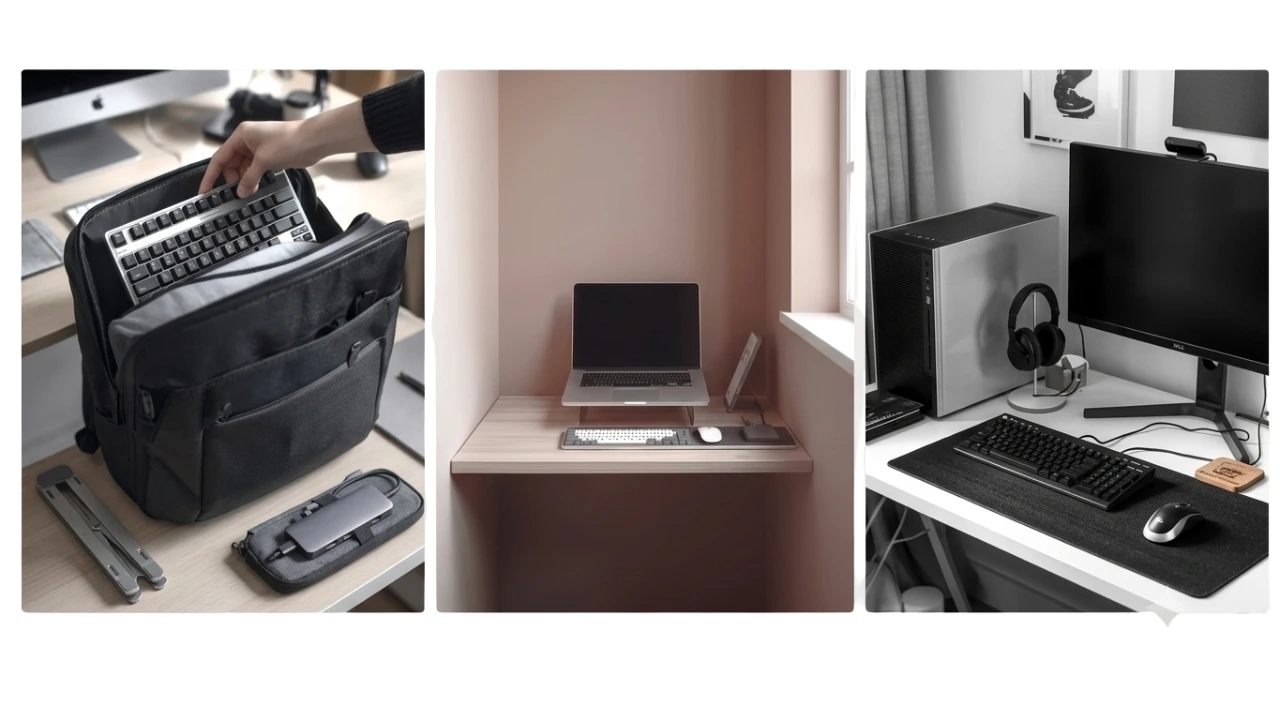
Lose the number pad on a keyboard and the size is reduced by 15-20%. On compact desks, the mouse moves closer to the keyboard too, improving ergonomics.
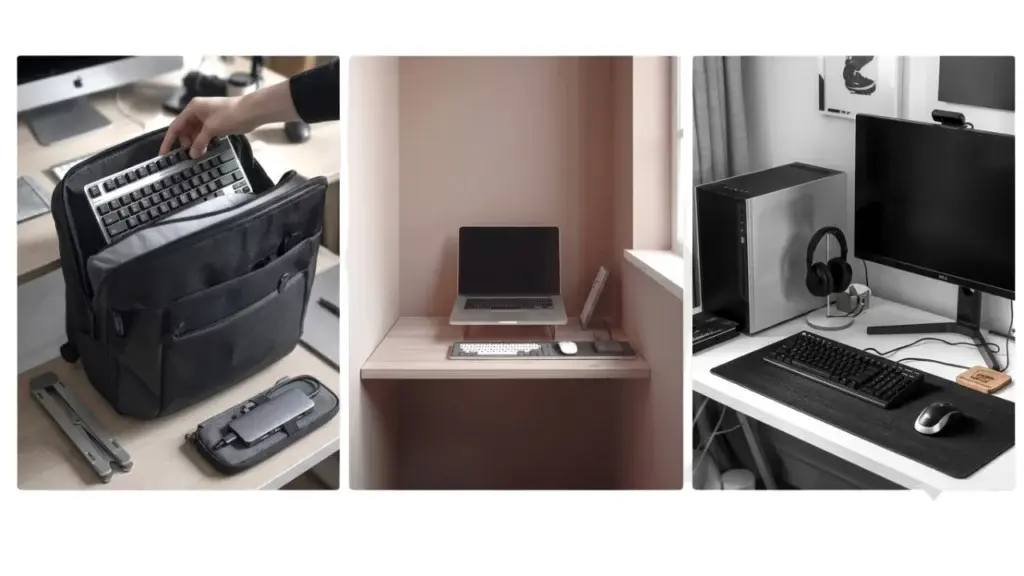
The best compact keyboards are 75% to 80% of a standard sized keyboard. Full-size keyboards have every functionality you could ever need for a productive day. Trouble is, they can sometimes impact comfort, and they’re always going to hoard the most desk space.
That doesn’t mean one size will work for all setups. Different styles and sizes suit different use-cases. Match the right type of compact keyboard to your working style and you can find yourself typing in comfort, and ending your day with less muscle aches.
The Best Compact Keyboards for Typing
Best Portable Keyboard

Logitech Pebble Keys 2 K380s
View on AmazonBest for: People who work across multiple locations or devices and need a keyboard they can slip into a bag and forget about until they need it.
Why it stands out:
The problem with most compact keyboards marketed as portable is that they still ask something of you — a dongle to remember, a device to pair each time, a footprint that takes up half a café table.
The Pebble Keys 2 sidesteps most of that. It connects via Bluetooth to up to three devices at once — phone, tablet, laptop — and switches between them with a single button press. For someone moving between a home desk in the morning, a kitchen table at lunch, and a coffee shop in the afternoon, that matters more than almost any other spec on the sheet.
The physical side holds up too. At 279mm wide, 124mm deep, and just 16mm thin, it sits flat in a laptop bag without creating a bulge. The 415g weight, batteries included, is light enough that you stop noticing it’s there. When you’re done, it goes away — which is exactly what a portable keyboard should do.
The scissor-switch keys have a quiet, laptop-style feel that suits shared spaces. There are no gaming aesthetics here — no RGB, no angular styling — just a clean, minimal design that looks at home in any setting.
Battery life is rated at three years from two AAA batteries, with an auto-sleep mode when the keyboard is idle. A physical on/off switch, which several reviewers specifically called out as useful for travel, means you’re not draining charge in transit.
One thing worth knowing: there’s no backlight. In a well-lit café or office that won’t matter, but if you regularly type in low light it’s a consideration.
Pros:
- Connects to up to three devices simultaneously via Bluetooth; switches between them instantly
- Slim and light enough to carry daily — 279 x 124 x 16mm, 415g with batteries
- Quiet scissor-switch keys with a familiar laptop-style feel
- Three-year battery life from two AAA batteries, with auto-sleep and physical on/off switch
- Clean, office-appropriate design with no gaming aesthetics
- Compatible with Windows, macOS, iPadOS, ChromeOS, and Android
- 10 customisable Fn keys via Logi Options+ app
- Made with at least 49% post-consumer recycled plastic; FSC-certified packaging
Limitations:
No backlight, though for a portable keyboard used at different desks, occasional café tables, and your desk at home, that’s rarely a practical issue.
If the ambient light is low enough to make the keys hard to read, it’s likely too dim for comfortable screen use anyway — this keyboard works best where the lighting does too.
The round keycaps are distinctive but may need a short adjustment period for fast touch typists, and reviewers with larger hands found the compact layout a little cramped for extended sessions.
Key specs:
- Connectivity: Bluetooth (up to 3 devices) + USB receiver compatible
- Dimensions: 279 x 124 x 16mm
- Weight: 415g (batteries included)
- Battery: 2 x AAA (3-year rated life)
- Layout: QWERTY UK
- Switch type: Scissor/membrane
- Compatible OS: Windows, macOS, iPadOS, ChromeOS, Android
- Warranty: 2 years
Verdict:
The Pebble Keys 2 is built around one idea — make it easy to pick up, move, and use wherever you land. If that matches how you work, it delivers cleanly. The multi-device switching is the feature that earns its keep day-to-day, and the battery life means it’s one less thing to think about.
Check today’s price on AmazonBest Compact Mechanical Keyboard

Epomaker Aula F75
View on AmazonBest for: Heavy typists who want a compact mechanical keyboard with a proper typing feel and enough desk presence to justify keeping it out permanently.
Why it stands out:
Most compact keyboards aimed at home office use are membrane or scissor-switch — light to press, quiet, functional. For occasional typing, that’s fine. For someone who spends most of their working day at a keyboard, it starts to feel like a ceiling.
The Aula F75 is where that changes. It’s a 75% layout mechanical keyboard, meaning it keeps the function row and arrow keys while dropping the numpad — a practical trade-off that suits most office work without the keyboard sprawling across the desk. At 322mm wide and just under a kilogram, it has weight without bulk.
The switches are linear, which means the keystroke travels smoothly from top to bottom with no tactile bump at the actuation point. That suits fast touch typists well — once the travel distance becomes muscle memory, there’s no resistance interrupting the rhythm. Typists who type more deliberately and rely on feeling each keystroke register tend to prefer tactile switches, which give a physical bump as confirmation. It’s worth knowing which camp you fall into, because the hot-swap feature means the switches can be changed without replacing the keyboard — more on that below.
One feature worth understanding is hot-swap compatibility. Each switch can be pulled and replaced individually without soldering. In practical terms, if a key develops a fault, you replace that switch rather than the whole keyboard. It’s also an option to change the switch feel over time if preferences change.
The keyboard started life marketed at gamers — the RGB and the aesthetic reflect that — and it’s worth being aware that the Amazon listing and landing page reflect that positioning. What it means for home office users is that the engineering spec is generous for the price point. Keyboards with comparable build quality and a quieter identity typically cost more.
Pros:
- 75% layout retains function row and arrow keys — practical for everyday work
- Linear pre-lubricated mechanical switches — smooth, consistent, comfortable for long typing sessions
- Five-layer internal dampening significantly reduces typing noise and resonance
- Hot-swappable switches — individual keys can be replaced without soldering if they fail or preferences change
- Three-way connectivity: Bluetooth 5.0, 2.4GHz wireless, and wired USB-C
- 4,000mAh rechargeable battery with battery level indicator (Fn+B)
- Volume control knob for quick media adjustment without interrupting workflow
- Two-step adjustable kickstand for typing angle
- Full N-key rollover and anti-ghosting
Limitations:
Linear switches suit fast touch typists but offer no tactile feedback for those who prefer to feel each keystroke confirm. That said, the hot-swap feature means switches can be swapped to a tactile alternative without replacing the board.
Being a 75% compact, the number pad is removed. For working on documents without much numbers being used, this makes a great compact mechanical keyboard. For spreadsheets, where numbers are needed more frequently, it’d be best paired with a numeric keyboard.
Key specs:
- Layout: 75% (80 keys + 1 knob)
- Connectivity: Bluetooth 5.0/3.0, 2.4GHz wireless, USB-C wired
- Dimensions: 322.7 x 143.2 x 43.1mm
- Weight: 0.98kg
- Battery: 4,000mAh rechargeable
- Switch type: Linear (hot-swappable; multiple switch options available)
- Keycaps: Cherry-profile double-shot PBT
- Backlighting: RGB
- Polling rate: 1,000Hz (USB/2.4G), 125Hz (Bluetooth)
- Warranty: 1 year
Verdict:
The F75 is the most capable keyboard listed here from a pure typing standpoint. The mechanical build, the dampening, and the hot-swap flexibility are features you’d usually pay more for. It earns its place here because the 75% layout keeps it genuinely compact, and the typing experience is a clear step up for anyone who spends serious time at the keys.
Check today’s price on AmazonBest Compact Wireless Keyboard

Arteck HW305
View on AmazonBest for: Anyone who wants a compact wireless keyboard for a fixed desk setup that connects instantly, stays connected, and doesn’t need managing.
Why it stands out:
Bluetooth is convenient when you need to move between devices. At a fixed home desk, it introduces a layer of friction that a USB wireless connection simply doesn’t have — the occasional need to re-pair, the handshake delay on wake, the incompatibility with older machines that don’t have Bluetooth built in.
The Arteck HW305 uses a 2.4GHz USB nano receiver instead. Plug it in once, and the keyboard is recognised. There’s no pairing process, no driver installation, and no reconnection ritual when the computer wakes up. It just works, which is exactly what a desk keyboard should do.
The nano receiver stores in a small compartment on the underside of the keyboard when it’s not in use. It’s a practical touch — the receiver travels with the keyboard rather than being left loose in a drawer, and when you do need it, you know exactly where it is.
The keyboard itself is slim at just over 21mm, light at around 335g, and built around a scissor-switch mechanism with low-profile keys. The typing feel is quiet and responsive — not mechanical, but comfortable for steady daily use. Without a numpad, the footprint stays compact and the layout stays clean.
Battery is rechargeable via USB-C and rated for six months from a single charge based on two hours of daily use. Reviewers regularly report going months between charges, with one noting they’d only charged it twice or three times over several years of daily use. For a fixed desk keyboard, battery anxiety should never be a factor — and with the HW305, it isn’t.
Pros:
- 2.4GHz USB wireless — instant connection, no pairing, no reconnection issues
- Nano receiver stores in an underside compartment — stays with the keyboard
- USB-C rechargeable; six-month battery life rated at two hours daily use
- Scissor-switch keys: quiet, low-profile, comfortable for everyday typing
- Compact without a numpad — fits neatly on a tidy home desk
- Single-key media hotkeys for volume, playback, and brightness — no Fn combination needed
- Works with Windows, PC, laptop, and Smart TV
- 10-metre wireless range
- 2-year warranty
- 4.5 stars from just under 2,000 reviews
Limitations:
Single-device connection only — the USB receiver pairs to one machine. Not suited for anyone who switches between a laptop and desktop at the same desk. Scissor-switch keys won’t satisfy mechanical keyboard enthusiasts. A small number of reviews mention keys becoming loose over time, though Arteck’s customer service response on replacements has been consistently noted as prompt.
Key specs:
- Connectivity: 2.4GHz USB wireless (nano receiver)
- Dimensions: 282 x 114 x 6mm (approx.)
- Weight: 335g (approx.)
- Battery: Built-in rechargeable Li-polymer, USB-C charging
- Switch type: Scissor-switch
- Keys: 79
- Layout: QWERTY UK
- Compatible: Windows 10/8/7, PC, laptop, Smart TV
- Warranty: 2 years
Verdict:
The HW305 is the the most straightforward keyboard for a fixed desk setup. There’s nothing to configure, nothing to maintain, and nothing to think about once it’s set up. For someone who wants a compact wireless keyboard that sits on a desk and does its job without any involvement, that’s what this gives you.
Check today’s price on AmazonWhich Compact Keyboard Is Right for You?
Among the different types of compact keyboards, there’s several things that stand out as critical choices to get right.
The most important things to get right are layout, numbers, connectivity, and typing feel.
Layout: This is an easy one to be caught out with online. UK keyboards use ISO layout. US layout use ANSI. Both are QUERTY, with key differences. The £ symbol is not on the ANSI version of a keyboard and the quotation mark (“) and at symbol (@) are swapped. You’ll have a frustrating experience typing with a different layout to what you’re used to.
Numbers: The biggest size reduction in a compact keyboard comes from removing the numpad. If you use numbers heavily, a tenkeyless (TKL) or 75% layout still gives you the top number row. Drop below 75% and that row goes too, with numbers accessed through a function layer instead. Worth knowing because a seperate numerical keypad may be worth having for spreadsheet work, giving more flexibility.
Connectivity: Bluetooth is the better choice if you switch regularly between devices — a laptop, a tablet, a phone. The switching is fast and there’s no dongle to manage. A 2.4GHz USB receiver is more reliable for a fixed desk setup — the connection is stable, lag is rarely a factor, and it works with machines that don’t have Bluetooth. Wired is an option too, but on a compact desk it’s one more cable to route and manage.
Typing feel and noise This matters more than most people expect until they’ve experienced the difference. Scissor-switch keyboards are quiet and familiar — similar to a laptop keyboard. Mechanical keyboards are louder but more satisfying to type on, and for heavy typists the feel makes a genuine difference over a long day.
Within mechanical keyboards, switch type affects both sound and feel. Linear switches are smooth but produce a consistent thud with each keystroke — fine in a home office with the door closed, less considerate if others are nearby.
Tactile switches give a physical bump at the point of actuation, which suits slower and more deliberate typists. The other practical point in favour of mechanical keyboards is repairability — switches are individual components, so a single failing key can be replaced without replacing the whole keyboard. For a keyboard at the higher end of the compact price range, that’s worth factoring in.
- Best Portable Keyboard: Logitech Pebble Keys 2 K380s
- Best Compact Mechanical Keyboard: Epomaker Aula F75
- Best Compact Wireless Keyboard: Arteck HW305
FAQs
What keyboard size is best for a small desk setup?
TKL (tenkeyless) and 75% keyboards are space-saving options suited to typing work, not necessarily spreadsheets though. Below 75%, more keys go like the top row of numbers and numerical function keys (F1-F12).
What do you lose when using a compact keyboard?
Almost all small keyboards sacrifice the numerical keyboard, slowing down data entry with spreadsheets. Below 75% compact keyboards, the function row is lost (F1-F12 keys). The smaller the keyboard, the more dedicated keys get dropped – Insert, Delete, Home, End, Page Up, and Page Down – though some retain arrow keys for navigation. The functionality remains, just behind different combinations like fn + the WASP letters to swap them into up, down, left, and right keys.
Are compact keyboards good for work or productivity?
Compact keyboards can be excellent for productivity, especially for general office work, writing, and browsing. The smaller footprint brings the mouse closer, which can reduce shoulder strain and improve ergonomics. However, if your workflow involves heavy numerical input or constant use of a numpad, a full-size keyboard may still be more efficient.
Are compact keyboards harder to type on?
They are not necessarily harder to type on, but there can be an adjustment period. Most compact keyboards retain standard key spacing, so the core typing experience remains familiar. The main learning curve comes from secondary functions and layered inputs. Once adapted, many users find them just as comfortable—and often more efficient for everyday use.
Do compact keyboards improve desk ergonomics?
Yes, compact keyboards can improve desk ergonomics by reducing the distance between the keyboard and mouse. This allows your shoulders and arms to stay in a more natural position, particularly on smaller desks. Over time, this setup may help reduce strain caused by excessive reaching, especially for users who spend long hours working at a computer.