
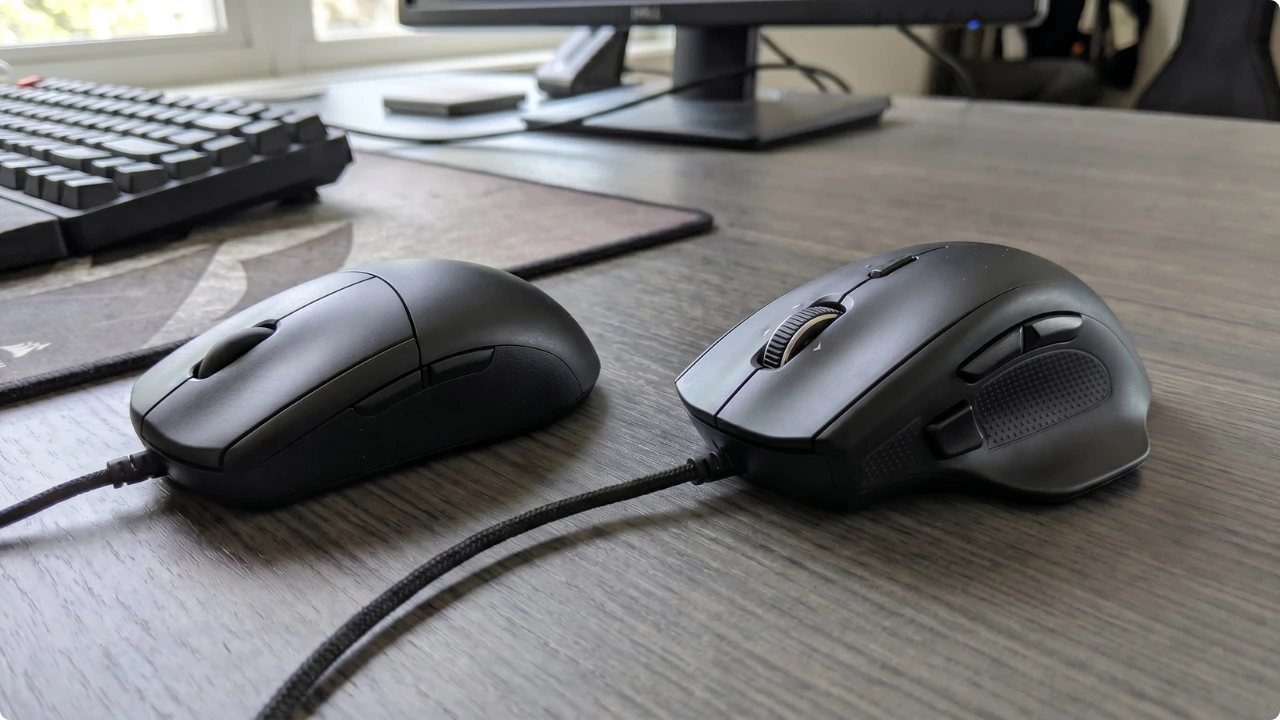
Two mice, side by side, similar design. One costs three times the other, and the box just says “ergonomic”. The difference? The shape of the mouse, degree of tilt, and the problem it’s designed to address. Some are obvious, others less so.
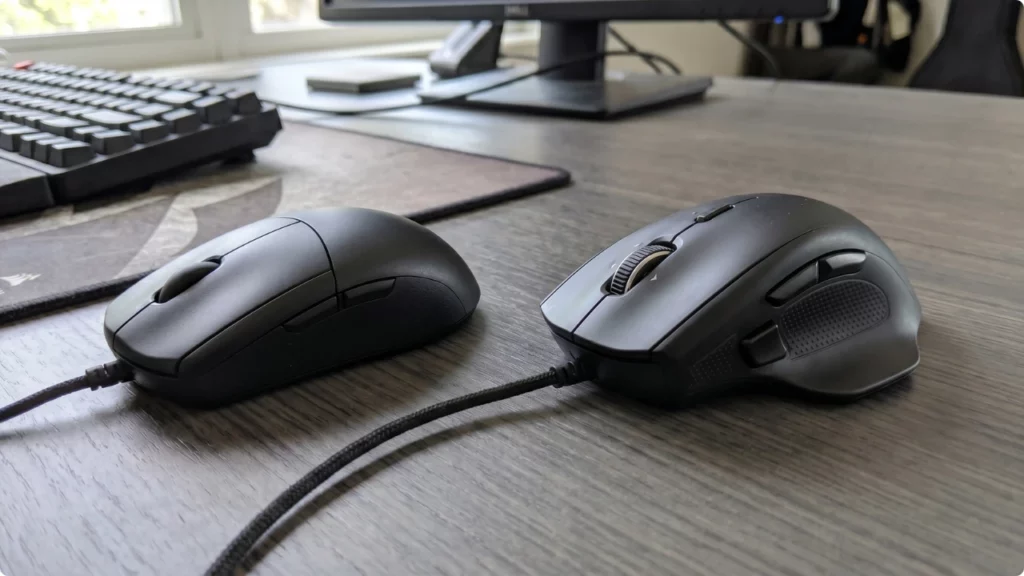
Maybe your wrist’s been nagging you. Maybe a physio mentioned it, or you’ve worked out for yourself that the mouse is the likely culprit. Either way you’ve landed in the same place, and found that an ergonomic mouse isn’t one thing.
It’s a handful of different shapes, and each one solves a different problem in a different way. The shape is what does the work — it decides what your hand and wrist are actually doing all day. That’s where the ergonomics live, long before you get to buttons or DPI.
These shapes don’t erase strain so much as move it. The pain runs in a chain — fingers, thumb, wrist, forearm, shoulder — and a different mouse shifts the load to a different link. Ease the wrist and the work goes to the shoulder; take it off the fingers and the thumb picks it up. The right one moves the strain somewhere that isn’t already hurting.
The sales pages will sell you the features. The type is the part to match first — to your hands, your pain, your desk, or to the person you’re buying one for.
Ergonomic Computer Mouse Types…
Vertical mouse
The bulky shape puts people off, but the handshake position it holds you in is just where your arm rests when you let it hang at your side. It’s the flat, palm-down standard mouse that’s been forcing the unnatural position all along, twisting your forearm to keep your hand level.
Expect the first few days to feel strange — your hand keeps reaching for the old grip — and then it stops, and you forget it’s there. For the most common desk complaint, the dull ache of a forearm held twisted all day, it’s the usual first thing to try, and the one most likely to just work.
The same grip that fixes that is also what costs you precision — you don’t get one without the other. A standard mouse lets you anchor your wrist and make tiny side-to-side movements for pixel-level work, which is why graphic designers and anyone clicking on fine detail get on fine with one. A vertical hands that job to your shoulder and elbow: stronger, but built for broad strokes, not minute ones.
There’s a second catch almost no one mentions. The buttons sit on the side, so a firm click nudges the whole mouse sideways and knocks the pointer off target. You learn to click gently, but it’s why a vertical frustrates precision work in a way the spec sheet won’t warn you about.
Trackball mouse
Your hand never moves, so your arm never sweeps. For anyone whose ache comes from reaching and dragging a mouse across the desk all day, that alone is the case for a trackball — and because the unit stays put, it works anywhere there’s room for the unit and nothing more. A sofa arm, a kitchen table, a desk too cramped for a mouse pad.
Which of the two types suits you depends on where your pain is.
A finger-operated trackball puts a large ball under your fingertips with separate buttons — better for fine control, easier for dragging, and the one to choose if it’s your thumb that’s sore, from texting or anything else.
A thumb-operated one sits like a normal mouse with the ball under your thumb, so your fingers barely move at all — the one to reach for when clicking and typing have left your fingers aching.
The catch is mostly a thumb-trackball issue. Holding a click while rolling the same thumb is fiddly, so drag-and-drop, highlighting and copy-paste can briefly become a two-handed task until the muscle memory lands. A finger trackball handles it better, since the rolling and clicking are done by different digits.
Buying one for someone else? The thumb type is the one to check twice — the ball needs to sit under the thumb of the hand they actually use, which catches a lot of people out.
Roller bar mouse
This one doesn’t sit beside your keyboard — it replaces the mouse entirely with a bar that runs along a padded rest directly in front of you. You roll it for up and down, slide it for left and right, and neither hand has to leave the keyboard to find a mouse.
That’s the whole point of it: a standard mouse sits off to one side, and the constant reach out to it is what loads the shoulder and neck. Take the reach away and that strain goes with it.
It’s also the one ergonomic mouse type you can work with either hand, or both — sharing the load between them takes the pressure off a single tired wrist. You don’t grip it and you don’t pivot off the desk; your palms rest, your fingers glide.
Two things decide whether it’ll fit your setup. It needs a straight keyboard to sit flush against — most standard and compact boards are fine, but a split or curved ergonomic keyboard won’t seat against it, and the gaps ruin the ergonomics it’s there to provide. And because it pushes the keyboard a few inches toward you, a shallow desk or a tight keyboard tray may not have the room for a roller bar mouse.
Pen mouse
Not to be mistaken for a stylus, a pen mouse is just a mouse gripped differently. Held upright like a pen, it sits your hand in much the same handshake angle a vertical does — only narrower, and using the thumb and forefinger rather than the whole palm.
If you’d sooner work from your thumb than your fingers, and your work involves more holding and dragging — marking up documents, highlighting, signing PDFs — it suits that rhythm well.
Where it struggles is fast, repeated clicking. The thumb grips the pen and presses a button at the same time, and across several hours that load settles on the tendon at the base of the thumb. If that’s already where your trouble is, this isn’t the one for you.
One thing to look for if you go this route: a weighted base rather than a loose pen and a flimsy cradle. The based design holds the pen upright and angled, ready to lift the instant you need it, instead of leaving you aiming it back into a holder every time you stop to type.
Joystick mouse
One you’ll see listed in but won’t easily find: the joystick mouse. It belongs in the ergonomic family for the same reason a vertical does — it holds your hand in that neutral, upright handshake position, off the twisted flat of a standard mouse. But it’s more than ergonomic. It’s specialist.
Worth knowing before you go looking, because “joystick mouse” pulls up two very different things and neither is really a comfort upgrade. Most of what’s sold under the name is a vertical gaming mouse with a thumbstick bolted on for in-game movement — not a mouse you steer with a stick.
The genuine article, where the base stays put and you nudge an upright stick to move the cursor, is assistive equipment built for limited hand function, priced and sold to match. For a hand or wrist that simply aches, a vertical or trackball are two of the best ergonomic mice types that do the same ergonomic job.
The Simplest Option of All
If your pain is more niggle than problem, you may not need a new shape at all. A standard mouse with a contoured profile — grooves for your fingers, a wing to rest your thumb — can be all the difference. Or pair the mouse you’ve got with a mouse mat with wrist support to cut the reach that strains the wrist in the first place.