
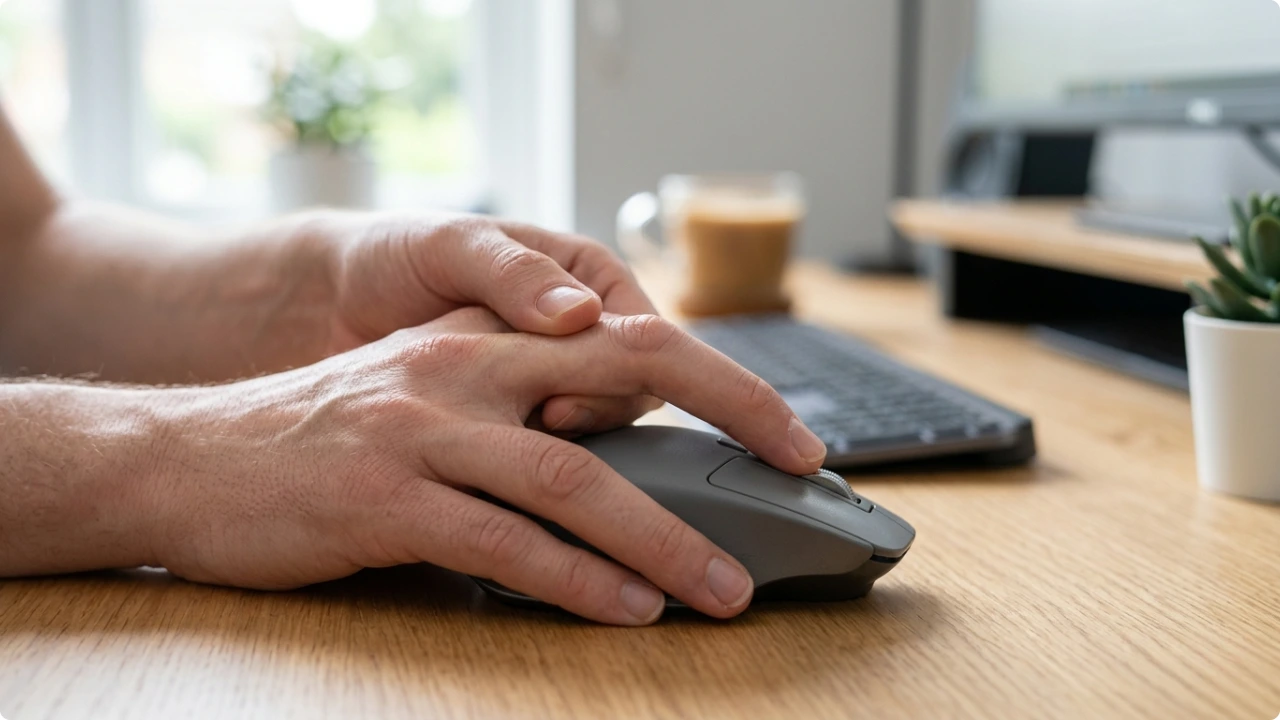
Most finger pain from using a mouse comes down to one thing: the clicking. The same small action, thousands of times a day, on the same one or two fingers. You don’t need to grin and bear it.
Your hand’s been on the mouse all day, and now one finger won’t stop aching. Maybe it’s the tip you click with. Maybe a knuckle that feels stiff when you finally let go.
The good news is that the cause is usually easy to spot, and the fixes can be simple adjustments to how you work.
Why You Get Finger Pain Using a Mouse
Symptoms and Causes of Finger Pain From Mouse Use
Finger pain from mouse use tends to show up in a few specific places. Where it hurts often tells you what’s behind it.
The most common spot is the fingertip pad, just below the nail on the finger you click with. That soft pad is the contact point, the same part you’d press a pen against. It takes the impact on every click, so pad soreness is usually a pressing problem: too hard, too often, all day.
You might also feel it deeper, in the joints along the finger, the ones that bend each time you press. That’s a different action. Pad pain comes from pressing; joint ache comes from the finger curling and flexing, the same way it does when you type.
This is where the mouse itself comes in. On a mouse that fits your hand, you press the button from a fairly straight finger, and most of the load goes through the pad. On a mouse that’s too small, your finger has to bend over the button and click through a curl, which loads the joints and the tendon that bends the finger instead.
So the size and fit of your mouse often decides which kind of pain you experience.
It’s a shift in emphasis rather than one or the other. Every click involves a bit of both. But a straight finger on a light button leans towards pad soreness, while a curled finger on a stiff or undersized mouse leans towards joint and tendon strain.
Then there’s the base knuckle, where the finger meets the hand. This one tends to stiffen up when you grip the mouse too tightly, because those muscles never get a chance to relax.
A related problem is trigger finger. It happens when one of the tendons that bend your finger gets irritated and inflamed, so the finger catches or clicks as you straighten it, and can feel stiff. Repetitive gripping is one of the things that makes it worse, so heavy mouse use won’t help it. It can affect any finger or the thumb, so it isn’t specific to clicking. But if your finger is catching or locking rather than simply aching, it’s worth keeping in mind.
As for the causes, they almost always trace back to how you click and hold the mouse:
- Using a mouse that’s too small for the size of your hand
- Clicking with a lot of force, or clicking very frequently
- A mouse with stiff buttons that need a harder press
- Gripping the mouse tightly instead of letting your hand rest on it
- Hours of continuous use with no break for your hand to recover
Suggestions for Finger Pain Relief
The fixes here are mostly small adjustments, and they stack up.
Start with how you click. Most of us press far harder than we need to. Rest your finger on the button and click with the lightest press that registers, rather than tapping down each time.
Loosen your grip too. Your hand should rest on the mouse, not clamp it. A tight grip keeps the muscles in your fingers and knuckle working even when you aren’t clicking.
Take regular breaks. Use the time to do straightforward exercises that can be done at your desk. Wrist rotations, finger stretches, etc. Even a minute or two can make a world of difference.
You can also raise your mouse sensitivity, or DPI, so the pointer travels further with less hand movement. That cuts down the overall work your hand does across the day.
And if your mouse has stiff, heavy buttons, the mouse itself might be part of the problem. A lighter-clicking mouse takes real force out of every press. For finger pain, a good ergonomic mouse option is silent-click because they take less force to actuate, and often have a contoured design.
How It’s All Connected: Fingers, Tendons and the Wrist
Here’s something worth understanding, because it changes how you read your own symptoms.
Your fingers don’t work in isolation. The tendons that bend them, nine of them, run down through your wrist and pass through a narrow tunnel there, alongside the main nerve that serves your hand. Finger, hand and wrist are all running through the same bit of plumbing.
That’s why a finger problem and a wrist problem aren’t always separate stories.
In particular, pay attention to tingling or numbness, as opposed to plain soreness. Aching in the fingertip is usually a clicking-strain thing. But tingling or numb fingers can be a sign of pressure on that nerve up at the wrist, which is a different issue worth taking seriously.
So if your symptoms lean more towards tingling and numbness than a simple ache, it’s worth knowing how to prevent carpal tunnel from mouse use as that’s about what’s happening at the wrist.
Putting It Into Practice
If your fingers ache after a day on the mouse, work through these:
- Check the size of your mouse. If your finger has to curl to reach the button rather than pressing from fairly straight, it’s too small for your hand
- Click with the lightest press that registers, not a hard tap
- Rest your hand on the mouse instead of gripping it
- Break for a few seconds regularly to stretch and relax your fingers
- Raise your DPI so you move the mouse less
- If the buttons are stiff, consider a lighter-clicking mouse
Most click-strain settles once you take the force out of the action and let your hand rest more.
If the pain carries on, or you’re getting tingling, numbness, or a finger that catches or locks, it’s worth a word with your GP or pharmacist as they can advise or signpost you to the right help.