
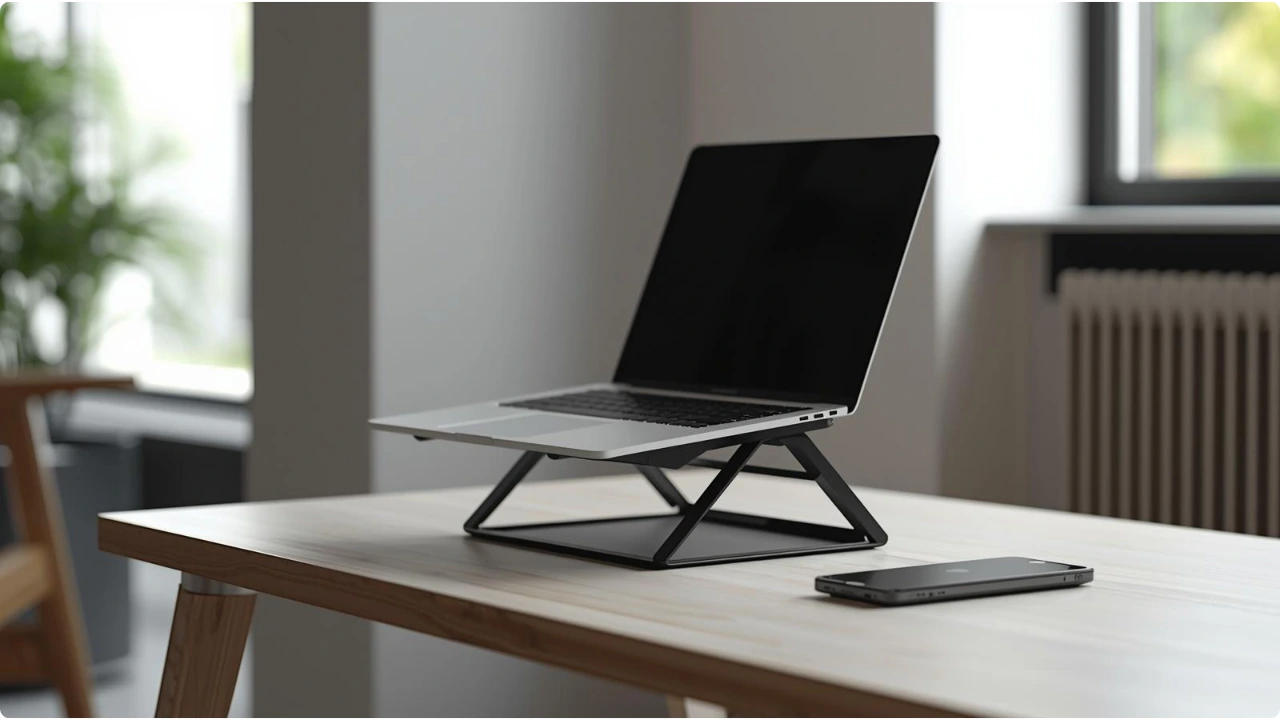
Portable laptop stands typically weigh 150–400 g — light enough to carry daily while still sturdy enough for regular typing. Ultra-light travel laptop stands can weigh as little as 70 g, while heavier portable models may reach around 900 g. Beyond 1 kg, a stand is better left on your desk.
Portable laptop stands are designed to make working away from a fixed desk easier, but not every lightweight stand performs the same. Weight affects how easy a stand is to carry and how stable it feels during use. Understanding what counts as portable helps narrow down the right type of stand for your setup.
In practice, portability is a balance between carry weight and structural strength.
Extremely light stands prioritise travel, while heavier portable designs focus on stability during typing. Knowing the typical weight ranges makes it easier to choose a stand suited to how and where you work.
Understanding Laptop Stand Weight Ranges
Why Weight Matters in Portable Laptop Stands
Laptop stands serve two competing goals:
Portability
- Easy to carry in a laptop bag or backpack
- Compact enough for travel, commuting, or shared workspaces
Stability during use
- Supporting the weight of the laptop
- Remaining stable when typing
- Handling additional pressure from wrists resting on the laptop
Even lightweight stands must support more than the laptop’s weight alone. When typing, many people naturally rest their wrists on the palm rest area, which adds additional downward pressure to the stand.
Typical Weight Ranges for Portable Laptop Stands
Portable laptop stands generally fall into several weight categories, each suited to different types of use. The best portable laptop stands balance lightweight construction with enough structural strength to remain stable during typing.
Materials used in the design influence both the overall weight and how stable the stand feels during use.
Ultra-Portable Laptop Stands (70–150 g)
Ultra-portable laptop stands focus on minimum carry weight and compact storage. These designs prioritise portability above all else, making them easy to slip into a laptop bag or backpack when working away from a fixed desk.
Common designs
- attachable laptop kickstands
- slim foldable stick-style stands
- composite travel stands
Typical materials
- fibreglass-reinforced nylon
- engineered plastic
- thin aluminium
Best suited for
- commuting
- study groups or classes
- occasional laptop use away from a desk
- minimal typing sessions
Trade-offs
- limited height adjustment
- smaller support surfaces
- stability can vary during heavy typing
Lightweight Portable Stands (150–400 g)
This range represents the most common portable laptop stand types.
Typical materials include
- aluminium alloy
- reinforced plastic
- hybrid composite designs
Best suited for
- students
- café or library work
- occasional travel
- hybrid work setups
These stands offer a balanced compromise between portability and stability, making them practical for carrying in a backpack while still supporting regular typing.
Stability-Focused Portable Stands (400–900 g)
Heavier portable stands prioritise rigidity and structural strength.
Typical materials
- thicker aluminium alloy
- reinforced hinges or joints
- aluminium frames with structural reinforcement
Best suited for
- hybrid workers travelling between home and office
- users with heavier laptops
- longer working sessions
- people transporting the stand by car rather than daily backpack carry
While these stands are still portable, they prioritise stability during extended use over ultra-light travel weight.
When a Laptop Stand Stops Being Portable
Some laptop stands are designed primarily for permanent desk setups rather than portability.
These heavier stands are typically:
- Over 1 kg in weight (heavy-duty stands can exceed 2.5 kg)
- made from steel or thick aluminium frames
- designed for maximum rigidity
They can be useful for users who:
- work long hours at a desk
- sometimes use the stand in standing-desk setups
- type heavily with wrists resting on the laptop
- prefer a very stable, desktop-like platform
However, once a stand reaches this weight range, it becomes impractical to carry regularly in a bag or backpack.
For most people seeking a portable laptop stand, lighter aluminium models in the 150–400 g range provide a more practical balance.
Laptop Weight and Laptop Stand Load Capacity
Most modern laptops weigh between 1 kg and 2.5 kg, depending on size and hardware.
Typical ranges include:
- Ultrabooks: roughly 1–1.4 kg
- Standard laptops: around 1.5–2 kg
- Larger workstations or gaming laptops: 2–2.5+ kg
When choosing a laptop stand, the load capacity should comfortably exceed the weight of the laptop itself.
Laptop weight represents the static load — the amount of weight the stand must support when the device is simply resting on it. In real use, however, the stand experiences dynamic load, which includes additional pressure from typing and small movements caused by normal laptop use.
Factors that can increase the load on a stand include:
- resting wrists on the laptop while typing
- applying downward pressure during heavy typing
- shifting the laptop while adjusting posture
- temporarily placing small accessories such as headphones on the laptop
For this reason, many portable laptop stands list load capacities between 5–10 kg, even though most laptops weigh far less. The additional capacity helps ensure the stand remains stable during normal use rather than flexing or wobbling under pressure.
What Weight Is Best for Most People?
For most users, portable laptop stands fall into a practical middle range. The table below shows how typical weight ranges affect portability and everyday use.
| Stand Weight | Portability | Best for |
| 70–150 g | Ultra-portable | travel, study groups, occasional laptop use |
| 150–400 g | Lightweight portable | everyday carry, commuting, café work |
| 400–900 g | Portable but more stable | longer work sessions, heavier laptops |
| 1 kg+ | Not portable | permanent desk setups |
The best option depends on how often the stand is carried and how heavily the laptop is used during work sessions.